



It sounds counterintuitive.
You unwrap a brand-new 4K Ultra HD or Blu-ray disc, slide it out of the case, and place it directly into your player. It’s factory sealed. It’s pristine. It’s untouched.
So why would it need cleaning?
Surprisingly, one of the most common causes of playback issues (including freezing, skipping, or pixelation) can come from something invisible that forms before you ever open the case.
It’s called off-gassing, and if you collect physical media, it’s something worth understanding.
In this guide, we’ll explain:
- What off-gassing is
- Why residue can form inside sealed disc cases
- How it affects playback
- Why premium disc players may reveal the issue more clearly
- How to properly clean a new Blu-ray or 4K disc before first use
If you’ve ever wondered, “Why is my brand-new Blu-ray skipping?" this article is for you.

What Is Off-Gassing?
Off-gassing is the slow release of microscopic vapors from manufactured materials. It occurs in many consumer products, including plastics, inks, adhesives, and packaging components.
Inside a sealed disc case, several materials can contribute to off-gassing:
- The polycarbonate case itself
- Printed paper inserts
- Ink and coatings
- Adhesives used in slipcovers or packaging
- Shrink wrap
When a disc is sealed inside its packaging, sometimes for months in warehouses or during shipping, these vapors have nowhere to escape.
Instead, they settle.
Over time, a faint, nearly invisible residue can form on the surface of the disc.
To the naked eye, the disc may look flawless. But under certain lighting, you may notice a light haze or film, especially on darker 4K Ultra HD discs.
And that film can affect playback.
How Optical Media Actually Works
To understand why residue matters, it helps to understand how a Blu-ray or 4K disc functions.
Optical discs store data in microscopic pits and lands embedded in a reflective layer. A precision laser reads those microscopic patterns by detecting differences in reflected light.
For standard Blu-ray, the laser wavelength is 405nm. For 4K Ultra HD Blu-ray, the data density is even higher, and tolerances are tighter.
That means:
- The laser must maintain precise focus
- The reflective surface must remain clear
- Error correction systems work hardest when reflectivity is compromised
Even a faint surface haze can:
- Reduce reflectivity
- Increase tracking stress
- Force the player’s error correction system to work harder
- Cause momentary freezing or skipping during high-bitrate scenes
This is especially noticeable during:
- Dark scenes
- Fast motion sequences
- High data rate HDR moments
In short: optical playback is a precision process. Clean surfaces matter.
Why Brand-New Discs Sometimes Skip
One of the most searched phrases online is:
“Brand new Blu-ray skipping out of the box.”
When this happens, many people assume:
- The player is defective
- The disc is permanently damaged
- The format is unreliable
But in many cases, the issue is simply surface contamination from packaging residue.
Because the residue is often invisible, it goes unnoticed.
After a gentle cleaning, playback issues frequently disappear.
Why Premium Players Can Reveal the Issue More Clearly
High-performance universal disc players are engineered for precision.
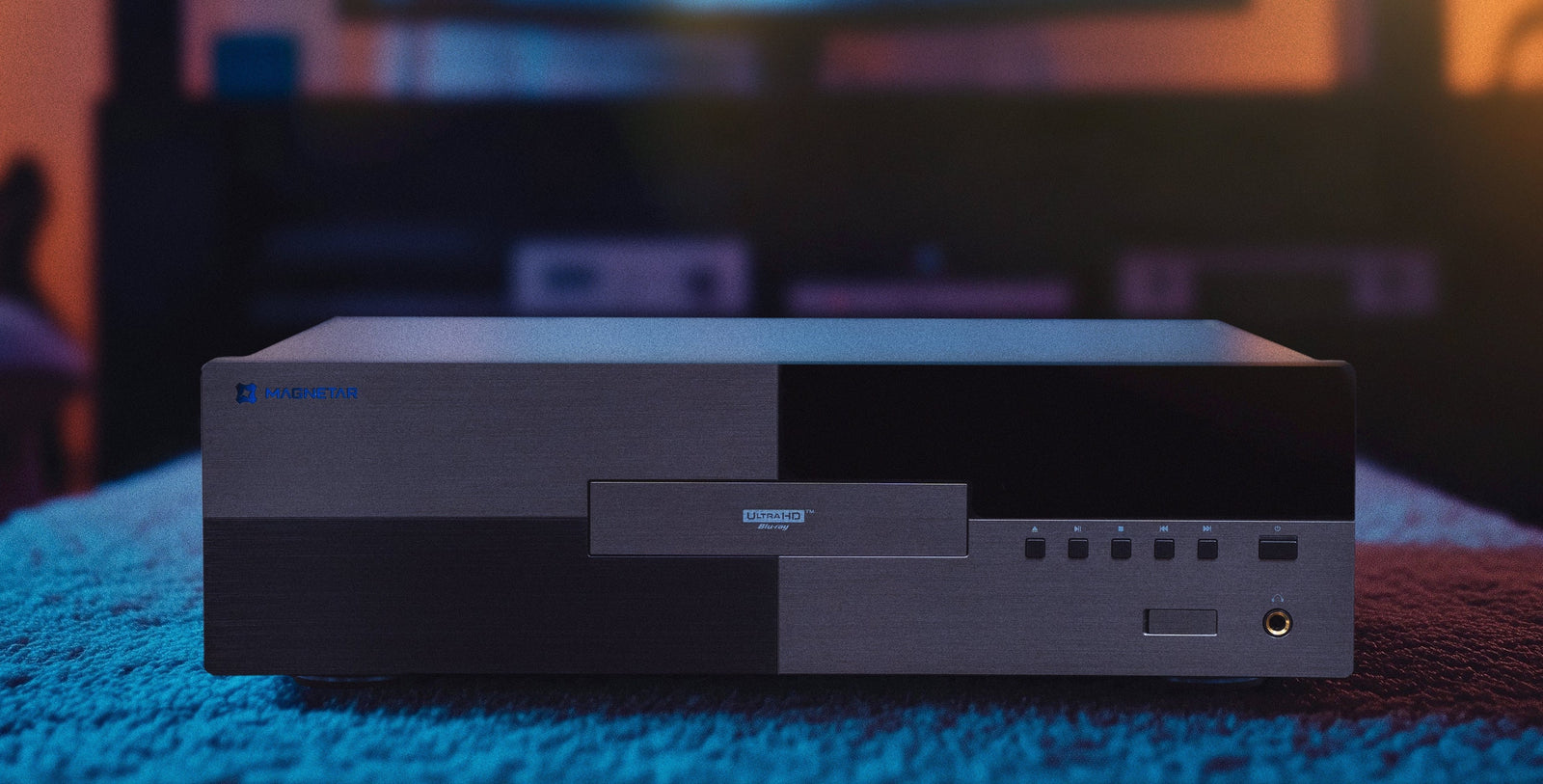
Premium models, including players from brands like Magnetar, use:
- Advanced laser assemblies
- High-accuracy tracking mechanisms
- Rigid chassis construction
- Precision power supplies
- Sophisticated error correction
These systems are designed to read discs accurately, not aggressively “power through” compromised surfaces.
In fact, greater optical precision can sometimes make surface residue more noticeable, not because the player is flawed, but because it’s engineered for exact data retrieval.
Think of it like a high-resolution camera lens. The sharper the system, the more clearly it reveals imperfections.
Ensuring your disc surface is clean allows a precision optical system to perform at its best.
Environmental Factors That Increase Off-Gassing
Off-gassing can occur in any sealed disc, but certain conditions may increase the likelihood of residue formation:
- Extended warehouse storage
- High temperatures during shipping
- Humid environments
- Slipcover or collector’s edition packaging with additional printed materials
- Long periods between manufacturing and purchase
Collector’s editions and boutique releases (which often include heavy inks, rigid packaging, and inserts) may be more susceptible simply because there are more materials inside the sealed space.
Ironically, the most beautiful packaging can sometimes contribute to the issue.
The Good News: It’s Easy to Fix
The solution is simple.
Before playing any brand-new Blu-ray or 4K Ultra HD disc for the first time, take a moment to gently clean it.
It takes less than 30 seconds, and can prevent unnecessary playback frustration.
How to Properly Clean a Brand-New Blu-ray or 4K Disc And Maintain Your Current Collection
Follow these safe cleaning steps:
1. Use a Clean Microfiber Cloth
Choose a soft, lint-free microfiber cloth (the type used for eyeglasses or camera lenses.)
Avoid:
- Paper towels
- Tissues
- Rough fabrics
2. Wipe From Center to Edge
Always wipe in straight lines from the center hole outward to the edge.
Never wipe in circular motions.
Straight lines reduce the risk of creating scratches that follow the data track.
3. Light Moisture (If Needed)
If you see visible haze:
- Lightly breathe on the disc to create minimal condensation
- Then wipe gently with microfiber
Avoid:
- Household cleaners
- Window spray
- Abrasive chemicals
If additional cleaning is required, use a disc-safe optical cleaner.
4. Allow It to Air Dry Briefly
A few seconds is usually sufficient.
Then insert and enjoy.
Make It Part of the Ritual
For collectors, physical media is more than playback, it’s an experience.
Unboxing.
Inspecting the artwork.
Admiring the packaging.
Placing the disc in the tray.
Adding a quick, gentle clean to that ritual ensures optimal playback and protects your investment.
Although disposable streaming is a cultural norm, physical media invites intentional interaction. A 30-second cleaning step reinforces that care.
When It’s Not the Player
If you experience skipping, freezing, or pixelation with a brand-new disc:
- Remove the disc
- Inspect under bright light
- Clean using the steps above
- Try playback again
If the issue resolves, the cause was likely surface residue, not the player.
This small troubleshooting step can save:
- Unnecessary returns
- Frustration
- Service inquiries
- Assumptions about hardware failure
Educated collectors experience fewer playback issues.
Why This Matters More in the 4K Era
4K Ultra HD discs operate at:
- Higher data density
- Higher bitrates
- Greater HDR precision
That means the optical system is working with extremely fine data structures.
As bitrates increase, so does the importance of clean reflectivity.
The format itself is robust, but like any precision system, it performs best when the physical medium is clean and unobstructed.
Physical Media Is Built for Longevity...With Proper Care
Unlike streaming, which is dependent on licensing agreements, compression algorithms, internet bandwidth, and platform availability...physical media is built for permanence.
A properly stored and maintained Blu-ray or 4K disc can deliver consistent playback for decades.
But like vinyl records, camera lenses, or high-end audio components, care matters.
And that care begins the moment you open the case.
The Bottom Line
A factory-sealed disc may look perfect, but microscopic packaging residue can form before you ever open it.
Cleaning a brand-new Blu-ray or 4K Ultra HD disc before first use:
- Prevents playback issues
- Reduces laser tracking stress
- Ensures optimal reflectivity
- Protects your viewing experience
It’s a simple step that preserves the performance of both your media and your player.
Brand new doesn’t always mean playback-ready.
But with a microfiber cloth and 30 seconds of care, it can be.