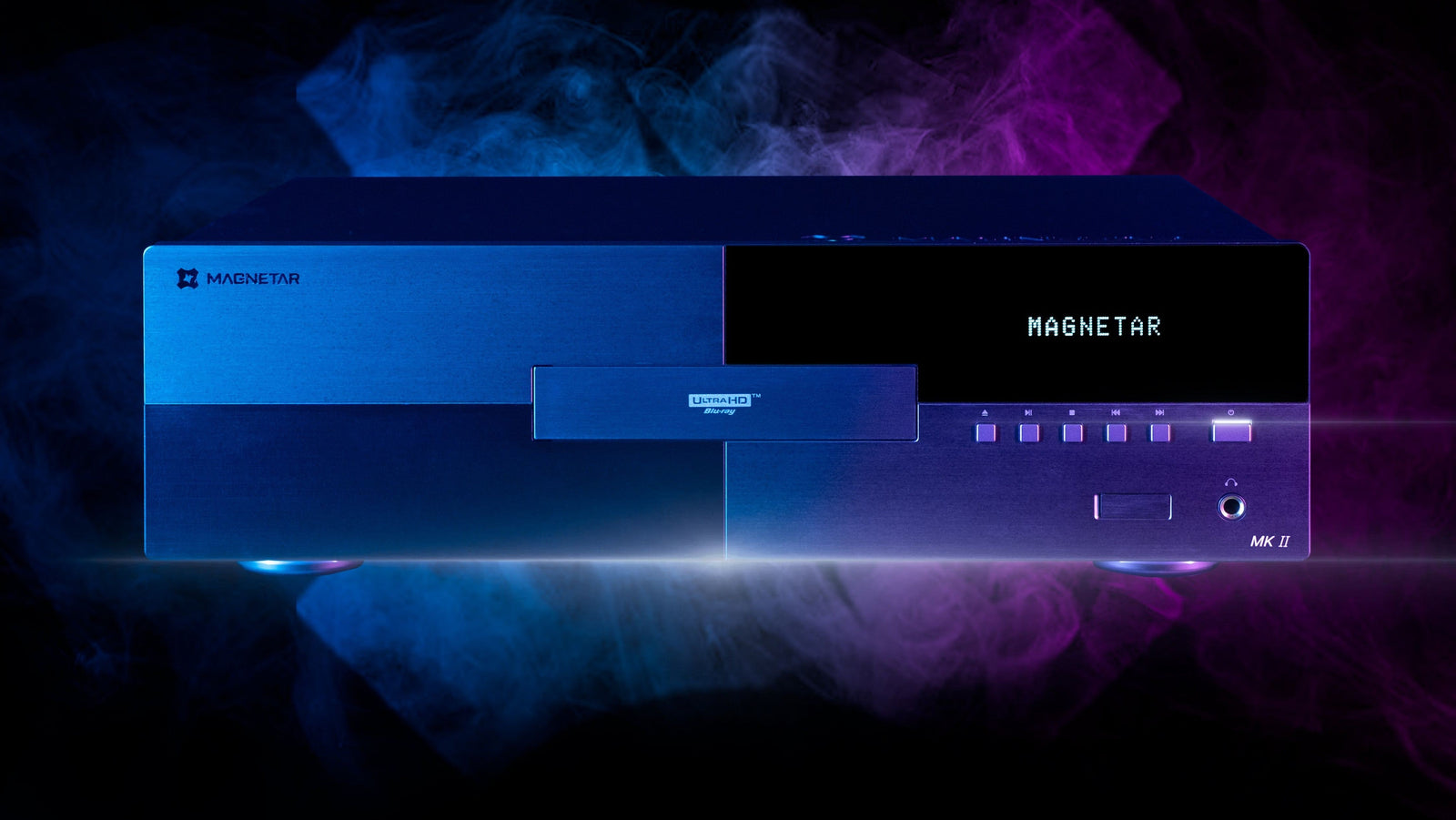




Our FAQ here at www.magnetarusa.com is a fantastic resource for information, and this week, we're going to expound upon another of our FAQ topics: Dual HDMI.
If you’ve ever looked at the back panel of a premium universal disc player and wondered why it has two HDMI outputs, you’re not alone.
At first glance, dual HDMI might look redundant. After all, most televisions and AV receivers (AVRs) only need one HDMI cable to deliver both audio and video. So why would a high-end manufacturer include two?
The answer is simple...and important.
Dual HDMI isn’t a marketing gimmick. It’s a design decision rooted in performance, compatibility, and system stability. In complex home theater environments, separating audio and video pathways can dramatically improve reliability and flexibility.
In this guide, we’ll break down:
• What dual HDMI actually does
• Why premium players use it
• When you should use it
• How it improves compatibility with modern TVs and AVRs
• Why audio-only HDMI outputs matter for serious systems
If you’re building or upgrading a reference-grade home theater, understanding dual HDMI architecture is essential.

What Is Dual HDMI?
Dual HDMI means a player includes two independent HDMI outputs:
1. Main HDMI (Audio + Video)
2. Audio-Only HDMI
Instead of sending both audio and video through a single cable, dual HDMI allows you to route:
• Video directly to your display
• Audio directly to your AV receiver or processor
This separation may seem subtle, but in advanced systems, it can solve real-world compatibility issues and enhance performance.
Premium universal players like those from Magnetar are engineered with dual HDMI specifically to accommodate complex home theater configurations.
The Problem with Single HDMI Systems
In a typical setup:
Player -> AVR -> TV
One HDMI cable carries everything.
In simple systems, that works fine. But in higher-end environments (specially when mixing older AVRs with newer 4K or 8K displays) several challenges can arise:
• HDMI handshake failures
• HDCP compatibility conflicts
• Resolution negotiation issues
• Frame rate mismatches
• Audio format limitations
The more devices in the chain, the more potential points of failure.
HDMI isn’t just a cable. It’s a negotiation system. Each device communicates capabilities (resolution, HDR type, audio formats), and the chain must agree.
When it doesn’t, you can experience:
• No signal
• Audio dropouts
• Forced downscaling
• Incorrect HDR output
• Loss of Dolby Atmos or DTS:X
Dual HDMI simplifies that negotiation.
How Dual HDMI Improves Compatibility
With dual HDMI, you can route signals like this:
• HDMI 1 (Main) -> Direct to TV (video only)
• HDMI 2 (Audio Only) -> Direct to AVR (audio only)
This does three important things:
1. Separates EDID Negotiation
Each HDMI device shares something called EDID (Extended Display Identification Data). It tells the source what it supports.
When you split audio and video:
• The TV negotiates video formats independently.
• The AVR negotiates audio formats independently.
No cross-compromise. Your TV doesn’t limit your audio. Your AVR doesn’t limit your video.
2. Preserves Full Video Bandwidth
Modern displays support:
• 4K resolution
• HDR10
• Dolby Vision
• 12-bit color depth
• High frame rates
If your AVR is older and doesn’t fully support those formats, routing video through it can force your player to reduce output capability.
Dual HDMI allows:
• Full-resolution video directly to the TV
• Full-resolution audio directly to the AVR
You get maximum performance from both devices.
3. Solves HDCP and Handshake Issues
HDCP (High-bandwidth Digital Content Protection) updates over time. Older receivers may not support newer HDCP standards required by modern 4K discs.
If everything runs through one HDMI chain, the lowest common denominator wins.
Dual HDMI bypasses that bottleneck.
Why High-End Players Include an Audio-Only HDMI
The audio-only HDMI output isn’t just about compatibility. It’s also about signal integrity. In complex electronics, reducing interference matters.
By separating audio transmission:
- Video bandwidth doesn’t compete with audio data
- Signal paths are cleaner
- Processing is simplified
For enthusiasts running Dolby Atmos or DTS:X systems, this separation can help ensure consistent bitstream delivery without format fallback.
When Should You Use Dual HDMI?
You should strongly consider dual HDMI routing if:
- Your TV supports newer HDR formats than your AVR
- Your AVR doesn’t support full HDMI 2.0 or 2.1 bandwidth
- You’ve experienced intermittent HDMI handshake issues
- You want the cleanest possible signal path
- You’re running a projector + display combo
- You use a high-end processor separate from amplification
Even in newer systems, dual HDMI adds flexibility for future upgrades.
Dual HDMI and Projector Systems
Projector setups are particularly sensitive to HDMI negotiation.
Many home theater enthusiasts run:
- Dedicated projector
- AV processor
- Multiple sources
- Long HDMI cable runs
Separating audio and video reduces strain on long signal paths and minimizes compatibility surprises.
For serious theater rooms, dual HDMI isn’t optional, it’s strategic.
Audio-Only HDMI vs ARC/eARC
Modern TVs include ARC or eARC (Audio Return Channel). So why not rely on that?
Because ARC/eARC:
- Depends on TV processing
- Adds additional handshake layers
- Can introduce sync issues
- Sometimes limits supported audio formats
With dual HDMI:
- Audio goes directly from source to AVR
- No TV mediation
- No return-channel dependency
- No format downmixing risk
Direct is better.
Stability Over Time
One overlooked benefit of dual HDMI is long-term system stability.
As displays evolve and AVRs get replaced at different intervals, dual HDMI allows you to mix generations of equipment without losing functionality.
For example:
- Keep your trusted high-end amplifier
- Upgrade to a new Dolby Vision display
- Avoid replacing everything at once
Dual HDMI buys you flexibility.
Real-World Example
Imagine this setup:
- 4K Dolby Vision TV
- AVR that supports Dolby Atmos but not Dolby Vision passthrough
- Universal player with dual HDMI
With single HDMI: You’d lose Dolby Vision.
With dual HDMI:
- Video -> TV (Dolby Vision preserved)
- Audio -> AVR (Dolby Atmos preserved)
No compromise.
Signal Purity and Design Philosophy
Premium players are engineered around the idea that signal paths should be:
- Clean
- Direct
- Uncompromised
Manufacturers like Magnetar include dual HDMI because high-end buyers demand system flexibility and reliability.
It’s about designing for real-world system complexity, not showroom simplicity.
Future-Proofing Your System
Home theater equipment doesn’t age uniformly.
Displays evolve rapidly.
Audio systems often last decades.
Dual HDMI ensures your source component remains compatible across those upgrade cycles.
As new HDR standards and HDMI revisions emerge, separation of audio and video becomes even more valuable.
Common Myths About Dual HDMI
“It doesn’t make a difference.”
It absolutely does in mixed-generation systems.
“It’s only for old receivers.”
Not true. Even modern systems benefit from signal separation.
“It’s too complicated.”
Setup is simple:
- Assign video HDMI to TV
- Assign audio HDMI to AVR
- Configure output in player settings
Done.
Installation Best Practices
- Use certified high-speed HDMI cables
- Keep cable runs as short as practical
- Label audio and video outputs clearly
- Verify player settings (Audio Bitstream enabled if desired)
- Disable unnecessary HDMI-CEC if troubleshooting
Proper configuration ensures you get the full benefit of dual HDMI architecture.
The Bigger Picture: Engineering for Enthusiasts
Mass-market players are built for simplicity. High-end players are built for system integration.
Dual HDMI is a hallmark of that difference.
It acknowledges that real home theaters include:
- Multiple generations of gear
- Advanced audio processors
- Dedicated projectors
- Calibration workflows
- Long cable runs
- High-bandwidth demands
In these environments, signal separation is not a luxury...it’s intelligent design.
Why It Matters More Than Ever
As video standards grow more demanding and audio formats become more immersive, HDMI chains become more complex.
More bandwidth.
More negotiation.
More potential failure points.
Dual HDMI reduces those variables.
It gives you:
- Control
- Stability
- Performance preservation
- Upgrade flexibility
For serious home theater enthusiasts, that’s invaluable.
Final Thoughts: A Small Feature with a Big Impact
At first glance, dual HDMI might seem like a minor specification detail.
In practice, it can be the difference between:
- Full Dolby Vision and compromised HDR
- True Atmos playback and fallback PCM
- Stable signal and intermittent frustration
High-end universal players include dual HDMI because real systems are complex. When audio and video have different needs, separating them is simply smarter engineering.
If you’re building a reference-level home theater, or planning long-term upgrades, dual HDMI isn’t just useful. It’s essential.
As home theater systems continue to become increasingly complex, thoughtful engineering matters more than ever. Premium universal players from Magnetar are designed with real-world integration in mind, including dual HDMI architecture that prioritizes compatibility, flexibility, and uncompromised performance. Because in a serious system, every signal path matters.