



Home theater equipment has never given us more control over what we see and hear.
Open the menus on a modern television, projector, AV receiver, or 4K Blu-ray player and you can find an enormous assortment of options promising to improve the experience. There are controls for sharpness, noise reduction, motion smoothing, dynamic contrast, color enhancement, upscaling, dynamic range, dialogue enhancement, surround processing, and increasingly, AI-powered picture optimization.
With all of those options available, it’s easy to fall into the simple trap of assuming that more processing means better performance. It doesn’t always. In fact, when you’re starting with a high-quality source such as 4K Ultra HD Blu-ray or Blu-ray Disc, one of the most important principles in setting up a home theater is knowing when not to change something.
Many picture and audio processing features exist for legitimate reasons. Noise reduction can help problematic video, motion interpolation can make sports appear smoother, dynamic range compression can make late-night viewing more practical, and upscaling is necessary whenever lower-resolution material is displayed on a higher-resolution screen. But a tool designed to solve one problem can create another when it is applied unnecessarily.
The best home theater upgrade might actually be getting any unnecessary processing out of the signal path.
Let’s look at some of the home theater settings people commonly change, what those features are really doing, and why leaving them alone (or at least using them more selectively) can sometimes produce a better movie-watching experience.

1. Sharpness: More Isn’t More Detailed
Of all the common TV picture settings, sharpness may have the most misleading name. If you want a sharper 4K image, turning up the sharpness control sounds logical, but a television’s sharpness setting generally isn’t revealing additional resolution contained within the source. Instead, digital sharpening typically increases contrast around edges, making objects appear more defined.
At conservative levels, this can sometimes make lower-quality material look subjectively clearer. Push it too far, however, and you can begin introducing information that wasn’t originally there. Artificial outlines can appear around objects, fine textures may look harsh, and halos or ringing can become visible along high-contrast edges.
Ironically, excessive sharpening can make a high-quality image appear less natural.
A well-mastered 4K UHD disc can already contain tremendous fine detail: skin texture, strands of hair, fabric, environmental details, film grain, makeup, production design, and subtle variations in surfaces. That information doesn’t necessarily need to be enhanced, it needs to be reproduced accurately.
There isn’t one universal sharpness number that works for every display. On some televisions, zero represents the neutral setting; on others, the neutral point is elsewhere on the scale.
The important principle is simpler:
Don’t increase sharpness simply because sharper sounds better.
2. Noise Reduction: Make Sure the “Noise” Is Actually Noise
Noise reduction seems equally straightforward. Why wouldn’t you want to remove unwanted noise from an image?
Because in some cases, what a video processor identifies as noise is actually part of the picture. Film grain is the classic example.
Movies photographed on film possess an organic grain structure. When original film elements are properly scanned for a modern restoration, that texture may remain visible in the resulting Blu-ray or 4K UHD presentation. This isn’t necessarily a flaw; it can be part of the photographic character of the movie.
Aggressive digital noise reduction, or DNR, can mistake that fine structure for unwanted video noise and attempt to remove it. Unfortunately, removing grain can also remove genuine fine detail. Faces may develop an unnaturally smooth or waxy appearance, fabric textures can become less distinct, background details may lose definition.
Noise reduction certainly has legitimate applications. Older video sources, compressed streams, broadcasts, DVDs, and genuinely noisy material can sometimes benefit substantially from careful processing...but a pristine 4K UHD transfer doesn’t necessarily need your display to “clean it up.”
Before removing something from the image, make sure it is actually something you want removed.
3. Motion Smoothing: Are You Fixing Motion or Changing It?
Motion smoothing is one of the most recognizable examples of processing fundamentally changing the character of a movie. Different manufacturers use different names for it, but the basic concept of motion interpolation is similar: the display analyzes existing frames and creates additional intermediate frames to make movement appear smoother.
For sports and certain forms of television programming, this can be useful, but movies are different.
Most traditional narrative films are presented at 24 frames per second, and audiences have spent generations associating that particular motion cadence with cinema. Aggressive motion interpolation changes it.
The resulting appearance is often described as the “soap opera effect” because cinematic material begins to resemble live television or video. Technically, the movement may be smoother, but artistically, the movie may no longer look the way audiences expect a movie to look.
Interpolation can also introduce visual artifacts when the processor incorrectly predicts what should exist between two genuine frames.
To clarify, that doesn’t mean every motion-related feature should automatically be switched off. Modern displays can include separate controls for interpolation, judder reduction, frame-rate handling, and other functions. But motion smoothing demonstrates an important distinction:
Different doesn't equate to "automatically improved". If you’re changing how the frames of a movie are presented, it’s worth understanding why.
4. Dynamic Contrast: “More Pop” Isn’t Always More Picture
Dynamic contrast can make an immediate impression: Bright highlights become brighter, dark portions of the picture may appear deeper, and the image takes on more visual punch. This is one reason highly processed television modes can look so impressive in brightly illuminated electronics stores. But movies aren’t mastered to compete with the television hanging beside them.
Dynamic contrast systems analyze the image and adjust its presentation, sometimes on a scene-by-scene or even frame-by-frame basis. Depending on the implementation, aggressive processing can potentially obscure shadow detail, alter highlights, or change the intended relationship between bright and dark portions of the image.
HDR makes this discussion more complicated.
Modern displays often require tone mapping to adapt HDR content to the real capabilities of a particular panel or projector. Good tone mapping can be extremely important and shouldn’t be confused with simply making contrast as aggressive as possible. This is why blindly turning every processing feature either “on” or “off” isn’t the goal. Instead, the goal should be understanding what the processing is actually doing. A more dramatic picture isn’t automatically a more accurate one.
5. Artificial Color Enhancement
Color is another area where "more" can easily be mistaken for "better". Modern displays may offer settings designed to boost or enhance color saturation. Activate them and the effect can be immediately noticeable. Blue skies become bluer, grass becomes greener, and reds become more intense.
That can look spectacular in a demonstration, but filmmakers and colorists make deliberate decisions about how a movie should look. Some films are intentionally colorful, others use muted palettes, and one sequence may be warm and inviting while another is deliberately cold, desaturated, or uncomfortable. Those choices are all part of the storytelling.
A high-quality home theater shouldn’t necessarily make every movie look equally vibrant. Ideally, it should be capable of reproducing the differences between them. 4K UHD also supports wide color gamut information that can already contain tremendous color nuance. Artificially increasing saturation doesn’t uncover additional color information, it changes the information being displayed.
In some cases, the most impressive demonstration of a display’s color performance is its ability to resist exaggerating it.
6. Overscan: A Solution to a Problem You May No Longer Have
Overscan is an excellent example of a home theater setting that exists largely because of older technology. Analog television signals could contain unwanted information or artifacts around the edges of the image. Televisions compensated by slightly enlarging the picture so those edges extended beyond the visible screen. With modern digital sources, that usually isn’t necessary.
However, overscan can still appear as a setting on contemporary displays. If enabled unnecessarily, the television may enlarge the incoming image slightly and crop its edges. In other words, you may literally be throwing away part of the picture.
Depending on the manufacturer, the correct full-image setting may be called something like Screen Fit, Just Scan, Full Pixel, 1:1, or Original. For Blu-ray and 4K UHD playback, it’s worth confirming that your display isn’t cropping an image that no longer needs to be cropped.
7. Multiple Layers of Upscaling
Upscaling is unavoidable in many home theater systems. Play a 1080p Blu-ray on a 4K display and something needs to convert the 1920 × 1080 image to the display’s 3840 × 2160 pixel grid.
But which component should do it?
A capable disc player may contain a sophisticated video processor, an AV receiver may offer video scaling, and the television or projector will have its own scaling technology. But that doesn’t necessarily mean you want every device processing the image.
A better approach is often determining which component handles a particular task most effectively and configuring the signal path accordingly. This becomes especially relevant for universal disc players because a single collection may contain DVDs, 1080p Blu-rays, and native 4K UHD discs.
Different sources require different treatment. Processing isn’t inherently undesirable; redundant processing is what deserves scrutiny. If one component has already done an excellent job converting the signal, another device doesn’t necessarily need to reinterpret it again.
8. Dynamic Range Compression and Volume Normalization
The same philosophy applies to audio. Movie soundtracks can contain enormous differences between their quietest and loudest moments. A whispered line of dialogue may be followed seconds later by an explosion, gunshot, orchestral crescendo, or roaring spacecraft.
That’s dynamic range.
Many systems offer dynamic range compression or volume normalization to reduce those differences, and sometimes that’s exactly what you want. If you’re watching a movie late at night, live in an apartment, have sleeping family members nearby, or simply don’t want dramatic volume swings, these features can make the experience considerably more practical.
But they aren’t automatically improvements to the soundtrack itself. If you’re trying to experience the dynamics of a lossless Dolby TrueHD or DTS-HD Master Audio mix, compression is deliberately reducing part of that experience. This is one of the clearest examples of a setting that shouldn’t be labeled simply “good” or “bad.” It’s situational. Use it because you need it, not simply because it’s available.
9. AVR Sound Modes: Know What You’re Adding
Modern AV receivers can offer a dizzying assortment of sound modes. Concert halls, stadiums, jazz clubs, virtual surround environments, multi-channel stereo, proprietary cinema modes...the list can be enormous. Some are fun, some are useful, and some can produce impressive results with particular sources.
But if you’re playing a disc containing a carefully authored Dolby Atmos, DTS:X, Dolby TrueHD, or DTS-HD Master Audio soundtrack, it’s certainly worth knowing whether your receiver is reproducing that mix or transforming it into something else.
That doesn’t mean all audio processing should be avoided, however. Far from it. Speaker-distance compensation, bass management, crossover settings, channel-level adjustment, and room correction can be crucial to good home theater performance.
There’s an important difference between configuring your system to reproduce the soundtrack correctly and applying an additional acoustic effect simply because the receiver offers one:
One solves problems within the playback environment, while the other deliberately changes the presentation. Both can be useful, but they’re not the same thing.
10. AI Picture Enhancement
Artificial intelligence is increasingly becoming part of home theater processing. Modern televisions may analyze faces, textures, objects, lighting, motion, or even entire scenes and adjust the picture accordingly. The technology can be remarkable. With low-resolution or heavily compressed material, intelligent processing may genuinely improve the viewing experience. But once again, the question should be:
"What problem are we solving?"
If you’re watching a poor-quality source, sophisticated enhancement may help compensate for information that’s missing or compromised.
If you’re watching a pristine 4K UHD master, however, the source may already contain extraordinary image information.
At that point, allowing an algorithm to continually reinterpret the picture isn’t automatically an upgrade. As our equipment becomes better at altering content, understanding when not to ask it to becomes increasingly important.
11. Vivid Picture Modes
Vivid and Dynamic picture modes exist for a reason. Unfortunately, that reason isn’t always your movie night. Televisions displayed in retail environments need to attract attention under extremely bright lighting while surrounded by dozens of competing screens. A restrained, accurate picture may not immediately stand out.
So showroom-friendly modes frequently increase brightness, saturation, sharpness, contrast, and other parameters to create an image that grabs your eye from across the room. At home, however, particularly in a darker movie-watching environment, that same presentation can look exaggerated.
Cinema, Movie, Filmmaker, or properly calibrated modes are often better starting points for serious viewing, although exact behavior varies between manufacturers and models. The most important thing to remember is that “most impressive at first glance” and “most faithful over a two-hour movie” are very different goals.
12. Someone Else’s Calibration Settings
Home theater forums and enthusiast communities are filled with recommended settings. And while recommendations can provide useful starting points, blindly copying another person’s calibration values can be counterproductive. Displays vary.
Even two examples of the same television model can have panel variations. Rooms have different lighting conditions, firmware versions change, source equipment differs, projectors are affected by screen size, material, throw distance, lamp or laser characteristics, and room environment.
True calibration measures your display in your environment.
General setup recommendations can be extremely helpful, but precision calibration values are not necessarily universal. Sometimes one of the settings people should stop changing is the setting somebody on the internet told them to change.
Processing Isn’t Bad, Unnecessary Processing Is
There is an important distinction running through all of these examples. This isn’t an argument against video or audio processing. Modern processing technology is extraordinary.
Upscaling allows decades of legacy media to look better on modern displays, HDR tone mapping allows displays with different capabilities to reproduce demanding content intelligently, room correction can compensate for significant acoustic problems, noise reduction can improve damaged or problematic sources, and dynamic range compression makes home theater practical in situations where full theatrical dynamics simply aren’t appropriate.
The key word is "purpose". Every layer of processing should ideally have a reason to be there.
When enthusiasts configure a home theater, it’s easy to focus on what can be added: another enhancement, another algorithm, another processing mode, another adjustment. But we have to remember that a high-performance signal chain isn’t necessarily the one doing the most work. Instead, the one making the fewest unnecessary changes is the ultimate goal.
Start With a Great Source and Preserve It
Ultimately, every home theater begins with a source. The disc contains the movie while the player retrieves that information and sends it through the rest of the system. From there, the signal may travel through an AV receiver or processor before reaching the display and speakers.
Every stage has the potential to help, and every stage also has the potential to alter what came before it.
That’s why a well-designed home theater isn’t simply a collection of powerful components. It’s a signal chain, and the relationship between those components is important. Starting with a high-quality source component gives the rest of the system the best possible foundation.
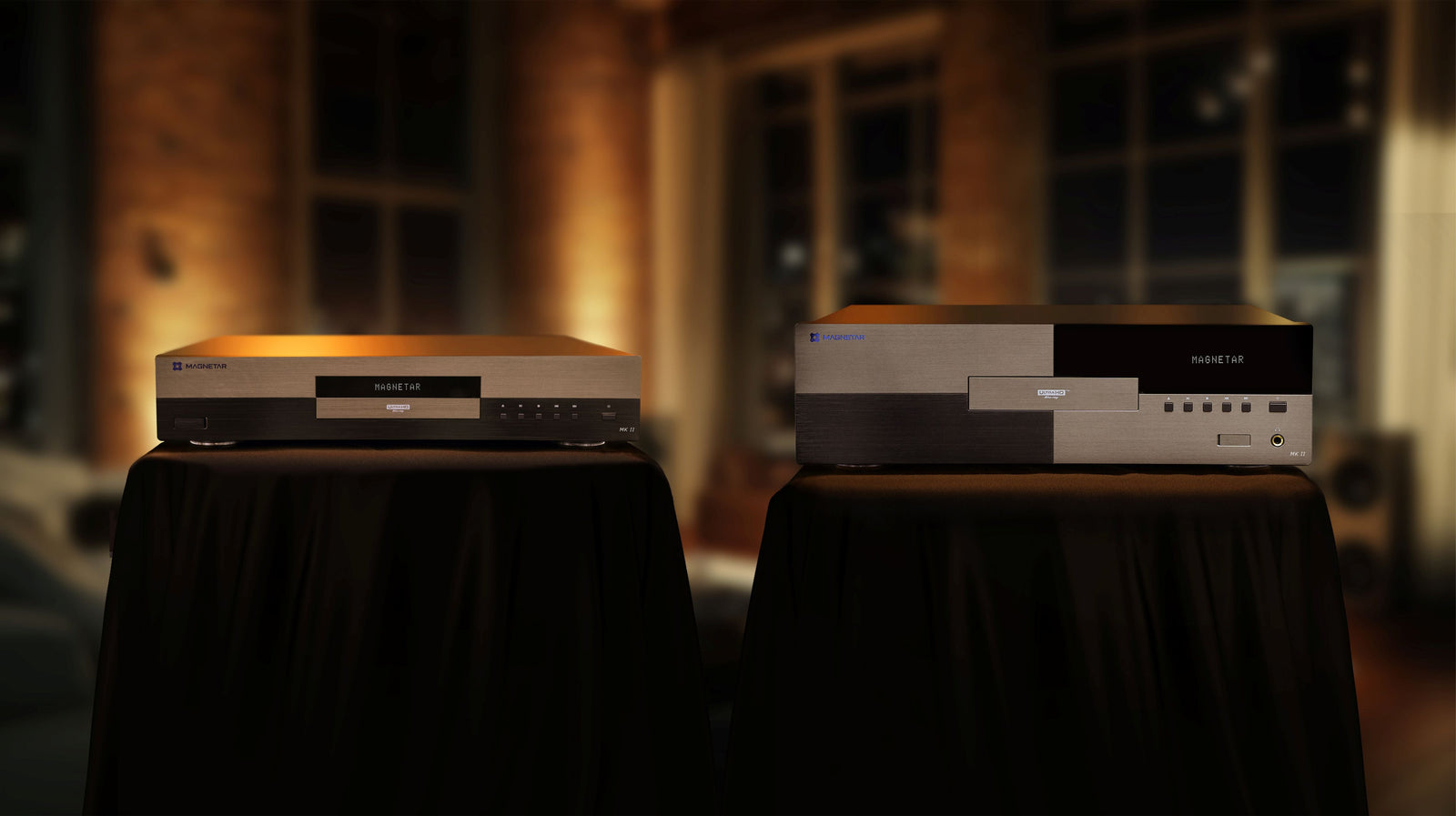
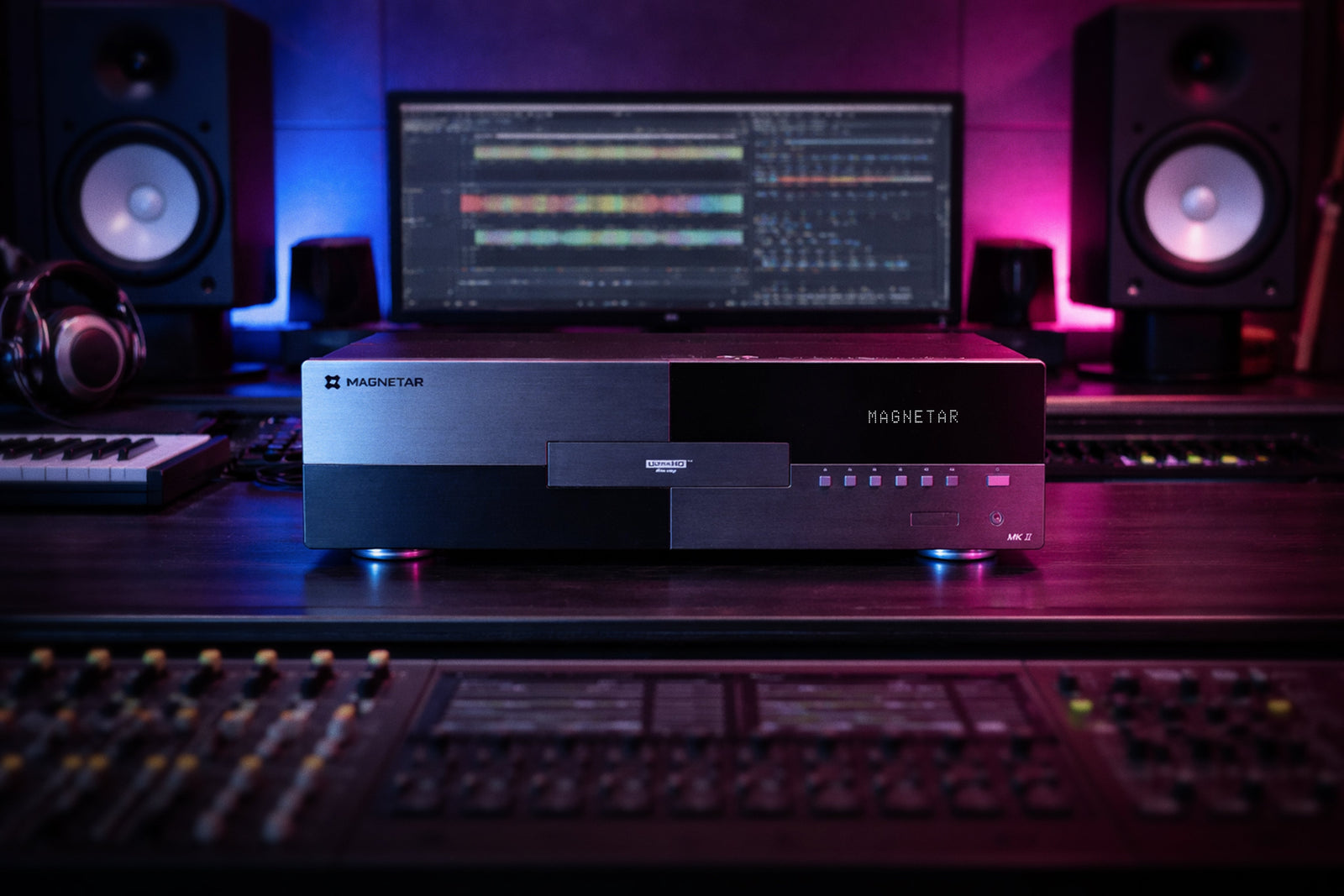
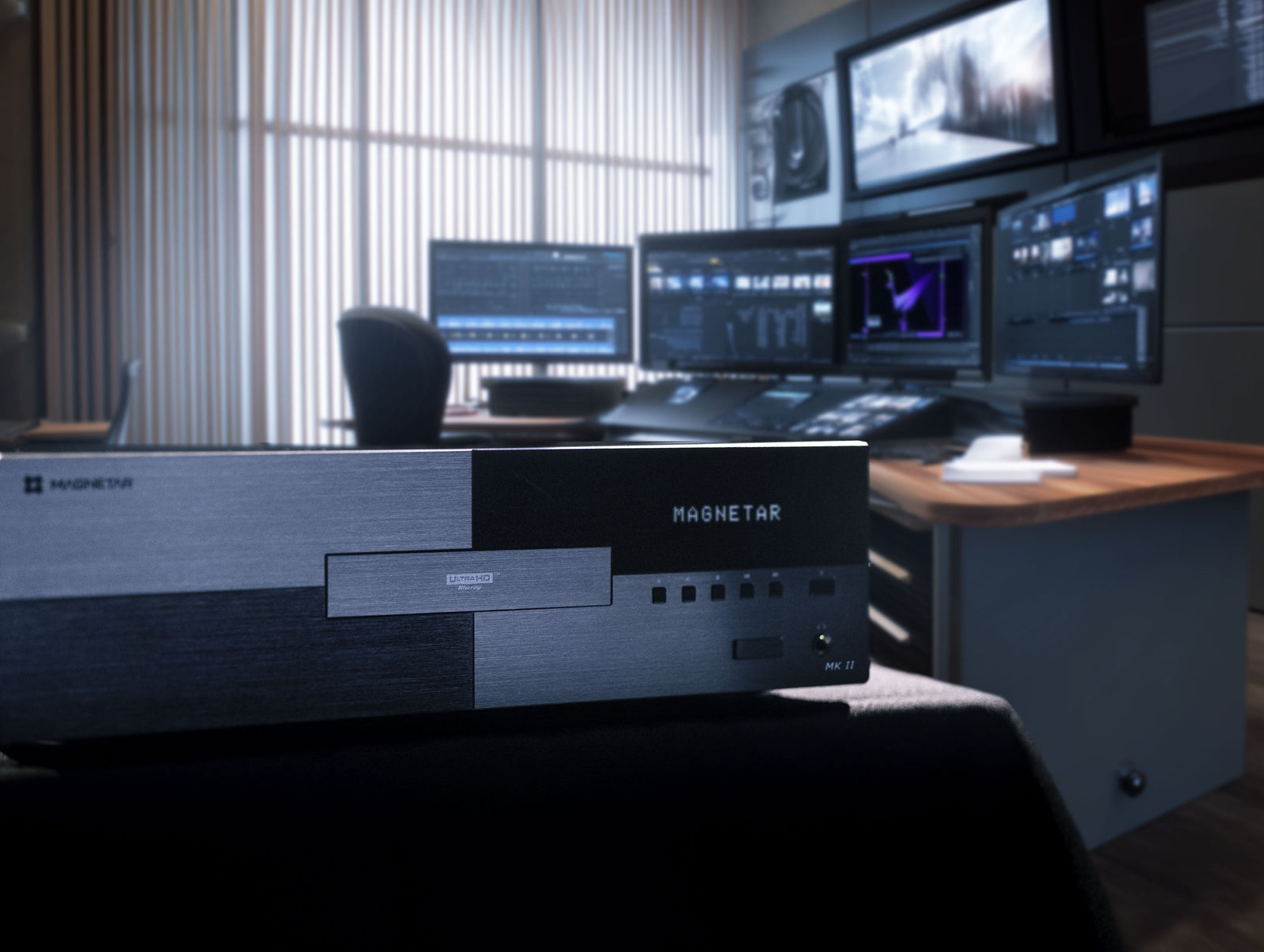
Magnetar universal disc players are engineered with that philosophy in mind: accurately retrieving and delivering the tremendous amount of video and audio information available from premium physical media, from 4K Ultra HD Blu-ray and Blu-ray to the other supported formats that make up a diverse media collection.
From there, the goal isn’t necessarily to keep “improving” that signal at every stop along the way. Sometimes the better approach is to preserve it.
Understanding your equipment means knowing when processing solves a real problem, when an adjustment genuinely improves your particular system, and when the source is already giving you exactly what you need.
At the end of the day, one of the easiest mistakes in home theater is assuming that every setting is an opportunity for improvement. And depending on the situation, the best setting might just be the one you don’t change.