



Understanding the Hidden Technology Behind Disc Playback
If you’ve ever inserted a Blu-ray or 4K Ultra HD Blu-ray disc into your player and wondered why some movies load almost instantly while others take longer to start, you’re not alone. Many home theater enthusiasts have noticed this phenomenon and assumed something was wrong with their player.
In reality, disc loading times are often determined by how the disc itself was authored.
Behind every Blu-ray disc is a sophisticated structure of programming, menus, video files, and interactive elements. Some discs are relatively simple, while others contain extremely complex features that must load and initialize before playback can begin.
Understanding why some Blu-ray discs take longer to load than others can help demystify the process and give you a deeper appreciation for the technology that powers modern home entertainment.
Let’s take a closer look at what happens behind the scenes when your Blu-ray player reads a disc.

The Hidden Complexity of Modern Blu-ray Discs
Unlike DVDs of the past, Blu-ray discs are essentially miniature computers. They don’t simply contain a video file waiting to play. Instead, they include a sophisticated digital structure that can support interactive menus, bonus features, branching storylines, and advanced audio and video technologies.
When a disc is inserted into a Blu-ray player, several processes begin immediately:
• The player reads the disc’s file structure
• It identifies the disc’s programming and navigation data
• It initializes the menu system
• It prepares the audio and video streams for playback
Depending on how the disc was designed, these steps may happen quickly, or they may take longer to complete.
What Is BD-Java?
One of the biggest reasons some Blu-ray discs take longer to load is a technology called BD-Java.
BD-Java is a programming platform used by studios to create advanced interactive features on Blu-ray discs. It allows disc authors to design dynamic menus, games, picture-in-picture commentary tracks, and other interactive experiences.
Essentially, BD-Java transforms a Blu-ray disc into an interactive software environment rather than just a movie on a disc.
However, because BD-Java involves actual programming code that must be executed when the disc loads, it can increase loading times.
Examples of BD-Java features include:
• Animated menus
• Interactive bonus features
• Multiple viewing modes
• Pop-up trivia tracks
• Complex scene navigation systems
When a disc relies heavily on BD-Java, the player must initialize that software before the movie can begin, which can add several seconds (or sometimes longer) to the loading process.
Disc Menu Design Can Impact Loading Speed
Another factor that affects Blu-ray disc loading time is menu design.
Some discs feature simple static menus that load quickly. Others include elaborate animated menu systems with music, video backgrounds, and multiple interactive layers.
These menus must be fully loaded and rendered before they appear on screen.
A complex menu system might require the player to:
• Load animated graphics
• Initialize audio tracks
• Render visual overlays
• Load background video loops
The more elaborate the menu system, the more information the player must process before the viewer sees the first screen.
This is one reason boutique Blu-ray labels and major studios sometimes produce discs that take slightly longer to load: they’re delivering a richer interactive experience.
Seamless Branching and Alternate Cuts
Another advanced Blu-ray technology that can influence loading time is seamless branching.
Seamless branching allows studios to include multiple versions of a film on a single disc without duplicating the entire movie. Instead of storing two full copies of a film, the disc contains shared segments along with alternate scenes.
For example, a Blu-ray disc might include:
• The theatrical version
• The director’s cut
• Extended scenes
Rather than storing multiple complete films, the disc seamlessly switches between segments to assemble the selected version.
Before playback begins, the Blu-ray player must determine:
• Which segments are required
• How those segments connect
• Which audio and subtitle tracks apply
This additional mapping process can add time to the disc’s loading sequence.
Bonus Features and Extra Content
Many Blu-ray and Ultra HD Blu-ray discs include extensive bonus features. These may include documentaries, deleted scenes, commentary tracks, behind-the-scenes featurettes, and interactive galleries.
When a disc contains a large number of bonus materials, the menu system often becomes more complex.
Some discs must load:
• Multiple video files
• Interactive navigation systems
• Multiple audio streams
• Subtitle tracks
• Dynamic menu layouts
All of these elements are part of the disc’s architecture, and initializing them can affect loading time.
Ironically, discs packed with the most content, often beloved by collectors, are also the ones that may take slightly longer to start.
Ultra HD Blu-ray Adds Even More Data
The arrival of 4K Ultra HD Blu-ray introduced even greater levels of complexity.
Ultra HD discs contain significantly more data than standard Blu-ray discs, including:
• 4K resolution video
• High Dynamic Range (HDR) metadata
• Advanced color grading information
• High bitrate HEVC video streams
• Lossless immersive audio formats
These discs can hold up to 100GB of data, which means the player must read and interpret far more information when a disc is inserted.
While modern players are designed to handle these tasks efficiently, the additional data can still influence loading time depending on how the disc is structured.
Why Player Performance Matters
Not all Blu-ray players process discs the same way.
Entry-level players may use slower processors or less robust firmware, which can lead to longer loading times; especially with complex discs.
Higher-end players are often designed with more powerful processing capabilities and optimized software that allows them to navigate disc structures more efficiently.
This can make a noticeable difference when loading discs with:
• Complex BD-Java programming
• Extensive menu systems
• Multiple film versions
• Large amounts of bonus content
In these cases, a well-engineered player may initialize the disc more smoothly and reliably.
Firmware Updates and Compatibility
Blu-ray technology continues to evolve, and studios occasionally author discs using newer programming techniques.
Firmware updates help ensure that Blu-ray players remain compatible with newly released discs.
Manufacturers release firmware updates to:
• Improve disc compatibility
• Enhance BD-Java performance
• Fix playback bugs
• Optimize loading behavior
If a Blu-ray player’s firmware is outdated, certain discs may load more slowly (or experience navigation issues) until the player is updated.
For this reason, it’s always a good idea to keep your player’s firmware current.
When Slow Loading Doesn’t Mean Something Is Wrong
Because disc loading times can vary so widely, it’s important to remember that a slower loading disc is not necessarily a defective one.
Many discs that take longer to initialize are simply more complex in their design.
Collectors often notice that:
• Boutique releases with extensive extras take longer to load
• Discs with elaborate animated menus require more initialization time
• Films with multiple cuts or viewing options may need additional processing
In most cases, this is simply the result of the sophisticated technology built into modern Blu-ray discs.
The Evolution of Home Media Technology
Blu-ray discs represent one of the most advanced physical media formats ever created.
Unlike earlier formats, Blu-ray supports a wide range of features that enhance the viewing experience:
• Interactive menus
• Seamless branching film versions
• Extensive bonus features
• High bitrate video
• Lossless audio formats
• Advanced HDR technologies
All of these capabilities contribute to the richness of the format, but they also mean that the disc loading process is more complex than it was in the DVD era.
The few extra seconds it may take for a disc to initialize are often the result of this remarkable technological sophistication.
Why Physical Media Still Delivers the Best Experience
Despite the rise of streaming platforms, Blu-ray and Ultra HD Blu-ray remain the gold standard for home theater enthusiasts.
Streaming services rely heavily on compression in order to deliver video efficiently over the internet. Physical media, by contrast, can store much higher bitrate video and audio directly on the disc.
This allows Blu-ray to deliver:
• Superior picture quality
• Higher bitrates
• Lossless audio formats
• Consistent playback performance
For viewers who care about experiencing films at their highest possible quality, physical media continues to provide an unmatched level of fidelity.
A Final Thought
The next time you insert a Blu-ray disc and notice that it takes a little longer to load, remember that there’s a remarkable amount of technology working behind the scenes.
From BD-Java programming and seamless branching to complex menu systems and high-bitrate video, Blu-ray discs are far more sophisticated than they may appear at first glance.
That brief loading process is simply the player preparing to deliver an incredibly rich home theater experience.
And for collectors and movie lovers, the reward is well worth the wait.
For home theater enthusiasts who want to experience Blu-ray and Ultra HD Blu-ray at their full potential, having a high-performance universal disc player can make all the difference.
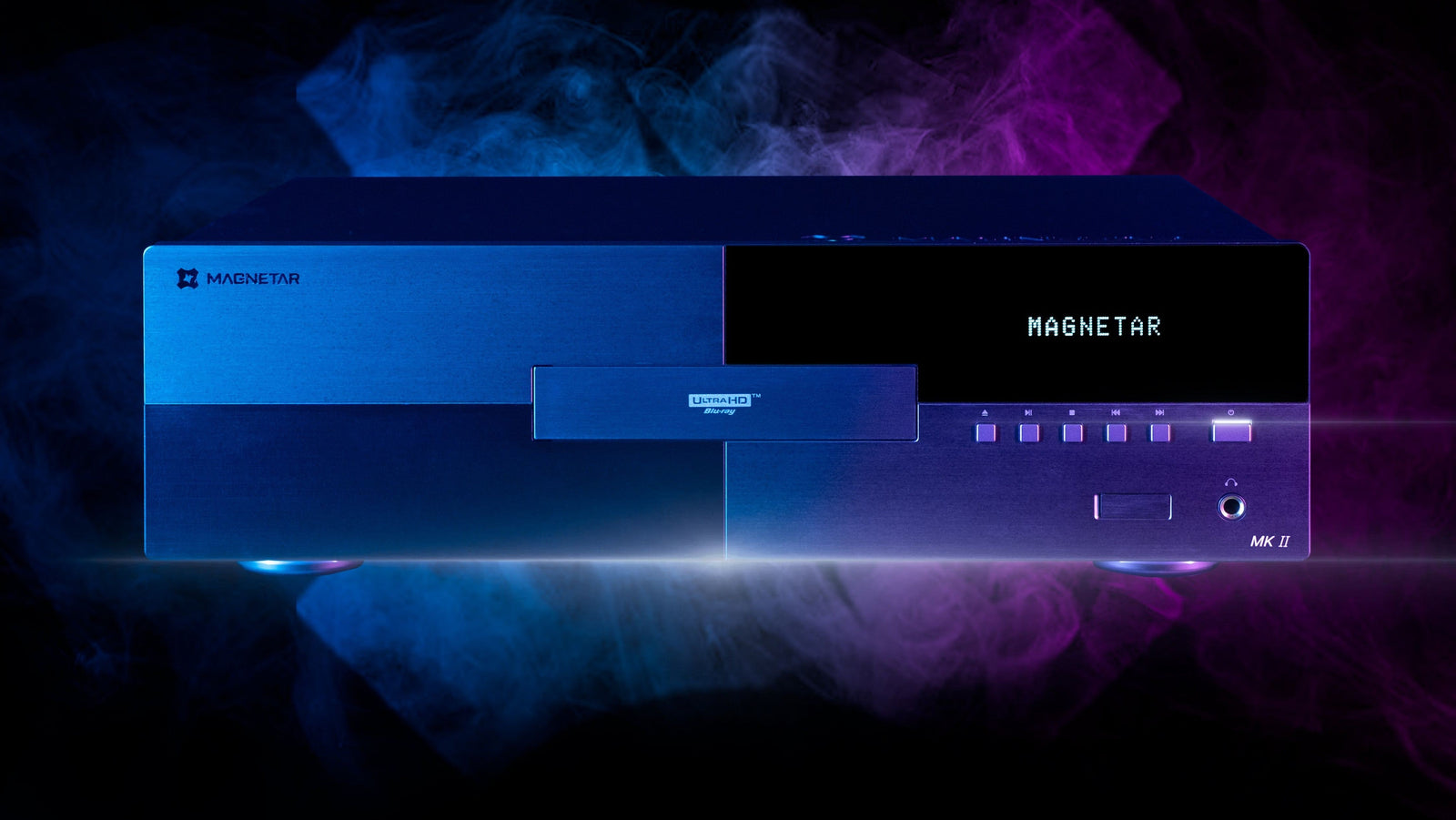
Magnetar's thoughtfully engineered players are designed to handle complex disc structures, advanced formats, and demanding playback environments with stability and precision, ensuring that every film loads smoothly and plays exactly as its creators intended.