



If you're familiar with high-end home theater, you know there are countless settings that promise to improve picture quality. From HDR adjustments to motion smoothing to advanced scaling modes, modern televisions and video components offer a staggering number of ways to tweak your image.
But one option on many premium Blu-ray and Ultra HD Blu-ray players often leaves users scratching their heads:
Source Direct.
What exactly does it do? Why would you want to turn it on? And in some systems, could it actually improve your picture quality?
Despite sounding technical, Source Direct is actually one of the simplest and most powerful video settings available on a high-end disc player. Understanding how it works can help ensure you’re getting the absolute best performance from your home theater system.
Let’s explore what Source Direct really does and when you should use it.

Understanding Video Processing in a Blu-ray Player
To understand Source Direct, we first need to look at how video normally travels through your home theater system.
When you insert a disc into a Blu-ray player, the video signal on the disc has a native resolution. For example:
• DVD: 480p
• Blu-ray: 1080p
• Ultra HD Blu-ray: 2160p (4K)
However, many Blu-ray players are capable of upscaling video. This means they can take a lower-resolution signal, such as a standard Blu-ray, and convert it to a higher resolution before sending it to your display.
For example:
• A 1080p Blu-ray disc might be upscaled to 4K (2160p) by the player before reaching your TV.
• A DVD could be scaled from 480p to 1080p or 4K.
This scaling process involves complex video processing designed to enhance sharpness, smooth edges, and reduce artifacts. In many cases, the results can look quite impressive. But here’s the catch:
Your TV or projector is also capable of doing this same job.
That means in many home theater systems, two different devices are capable of scaling the image.
And that’s where Source Direct comes in.
What “Source Direct” Actually Means
When Source Direct is enabled on a Blu-ray player, the player sends the video signal exactly as it exists on the disc, without altering the resolution.
In other words:
• DVD --> sent as 480p
• Blu-ray --> sent as 1080p
• Ultra HD Blu-ray --> sent as 2160p
The player bypasses its internal scaling engine and allows the display device (your TV or projector) to perform all video processing.
Think of Source Direct as a pure pass-through mode for video.
Rather than modifying the signal, the player simply delivers the original source material to the display untouched.
For many home theater enthusiasts, this is considered the most accurate way to preserve the integrity of the original video signal.
Why Would You Want to Use Source Direct?
At first glance, it might seem counterintuitive to disable the powerful video processing built into a premium Blu-ray player. After all, manufacturers design these players to produce beautiful images.
However, there are several situations where Source Direct can provide a meaningful advantage.
1. Your TV Has Better Video Processing
Modern televisions, especially premium OLED and high-end LCD displays, often contain extremely advanced image processors.
Brands like Sony, LG, and Samsung have invested heavily in AI-driven upscaling engines that can intelligently reconstruct detail and improve perceived resolution.
If your television has superior processing, it may produce a better image when it performs the scaling itself.
In that scenario, enabling Source Direct allows your display to use its full video processing capabilities without interference from the player.
2. Avoiding Double Processing
When both the Blu-ray player and the television attempt to process the image, the signal can sometimes be altered twice.
This is known as double processing.
Double processing can occasionally lead to:
• unnecessary sharpening
• added noise
• reduced detail
• subtle visual artifacts
By enabling Source Direct, you ensure that only one device handles scaling and processing, reducing the chance of unwanted image manipulation.
3. Ideal for Projector Systems
Projectors often rely on sophisticated video processors designed specifically for large-screen viewing environments.
Many dedicated home theater projectors include powerful scaling technology that can outperform the internal processing found in most players.
In these setups, using Source Direct allows the projector to perform precision scaling tailored to the screen size and projection system.
For enthusiasts with dedicated theater rooms, this can lead to a more natural and cinematic presentation.
When Should You Leave Source Direct Off?
While Source Direct has clear benefits in certain systems, it’s not automatically the best choice for every setup.
In some cases, the Blu-ray player may actually provide better scaling than the television.
Older TVs, entry-level displays, or budget projectors sometimes include relatively simple video processors. If the display struggles with upscaling, allowing the player to perform the conversion can produce a noticeably sharper image.
In those situations, leaving Source Direct disabled allows the player to deliver a fully upscaled signal optimized for your display resolution.
Ultimately, the best approach is often simple: Try both settings and compare the results.
Home theater equipment can vary widely, and the optimal configuration depends on the specific combination of player and display.
Source Direct and Native Resolution Accuracy
Another important benefit of Source Direct is preserving native resolution accuracy.
Every piece of film or video content is mastered at a specific resolution. When that resolution is altered before reaching the display, subtle changes can occur in how the image is rendered.
By passing the signal through untouched, Source Direct ensures that your display receives the exact format the content was originally authored in.
This approach aligns closely with the philosophy many home theater enthusiasts follow:
Reproduce the content as faithfully as possible to the original source.
In other words, the goal is not necessarily to “improve” the image, but to preserve it.
Does Source Direct Affect HDR or Dolby Vision?
One common question is whether enabling Source Direct affects HDR formats like:
• HDR10
• Dolby Vision
• HDR10+
The answer is no.
Source Direct only changes how the resolution of the signal is handled. It does not disable HDR or affect dynamic metadata.
If your player and display support Dolby Vision or HDR10, those formats will continue to function normally when Source Direct is enabled.
The player simply passes the HDR signal along in its native resolution.
Source Direct and High-End Universal Disc Players
Source Direct is typically found on premium universal disc players, where precise video control is expected. These players are designed for enthusiasts who want the flexibility to tailor their system to achieve the best possible image quality.
High-performance universal players also support a wide range of formats, including:
• Ultra HD Blu-ray
• Blu-ray
• DVD
• SACD
• CD
Because these formats span multiple resolutions and video standards, a feature like Source Direct allows the player to adapt seamlessly to different types of content without unnecessary processing. This flexibility makes it easier to integrate the player into complex home theater systems where video processors, AV receivers, and advanced displays may all be part of the signal chain.
The Home Theater Philosophy Behind Source Direct
At its core, Source Direct reflects an important philosophy within the home theater community:
Let each component do what it does best.
Rather than forcing every device in the system to process the image, Source Direct allows enthusiasts to designate the most capable component, often the display, as the primary video processor.
This approach can lead to a cleaner signal path and more consistent image reproduction.
For viewers who care deeply about cinematic accuracy, that simplicity can be a major advantage.
A Small Setting With a Big Impact
While it may seem like a minor option tucked away in a player’s menu, Source Direct can play a surprisingly important role in optimizing a home theater system.
By allowing the original video signal to pass through untouched, it gives users the flexibility to choose where video processing should occur, whether inside the player or within the display itself.
For many enthusiasts, that level of control is part of what makes high-end home theater equipment so rewarding.
Experience the Full Potential of Your Home Theater
As home theater technology continues to evolve, features like Source Direct help ensure that viewers can experience films exactly as they were intended to be seen.
High-performance universal disc players are designed not just to play discs, but to serve as precision source components within a carefully tuned entertainment system.
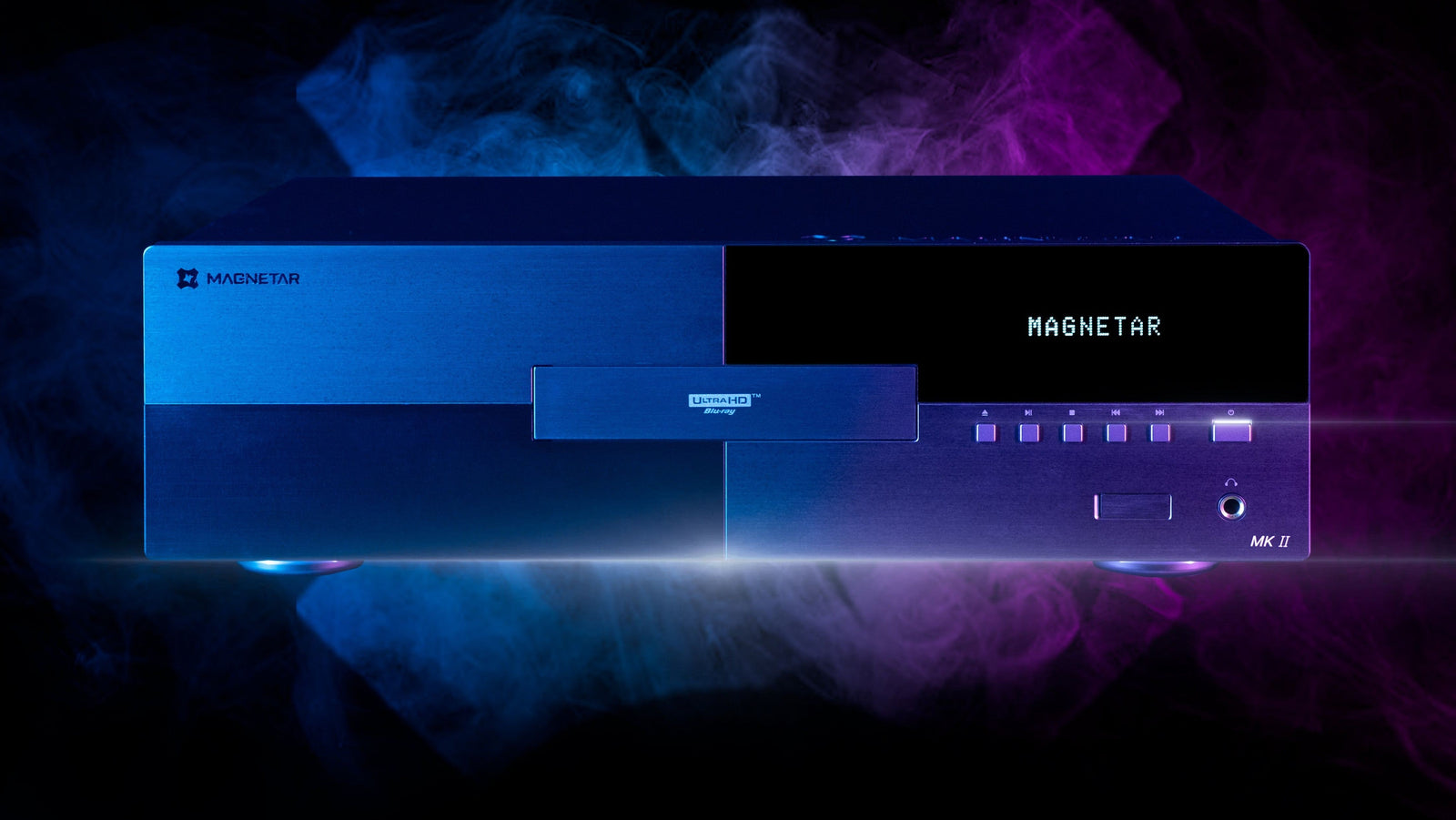
With the ability to support a wide range of formats while offering advanced video control options like Source Direct, players such as those from Magnetar are built to deliver the highest possible level of fidelity for movie lovers and collectors alike.
Because when every detail matters, even the smallest settings can make a meaningful difference in how your favorite films come to life on screen.