


As "streaming convenience" becomes less convenient by the day, many home theater enthusiasts are rediscovering something powerful: ownership. Not access. Not licensing. Ownership.
While platforms come and go, compression algorithms shift, and content quietly disappears, physical media and locally stored digital files offer something different: permanence, control, and uncompromised quality.
If you’ve invested in Ultra HD Blu-ray, SACD, Blu-ray, or high-resolution digital files, you may be wondering:
Can I build a personal 4K movie server without relying on streaming services?
The answer is yes, and it’s more accessible than most people realize.
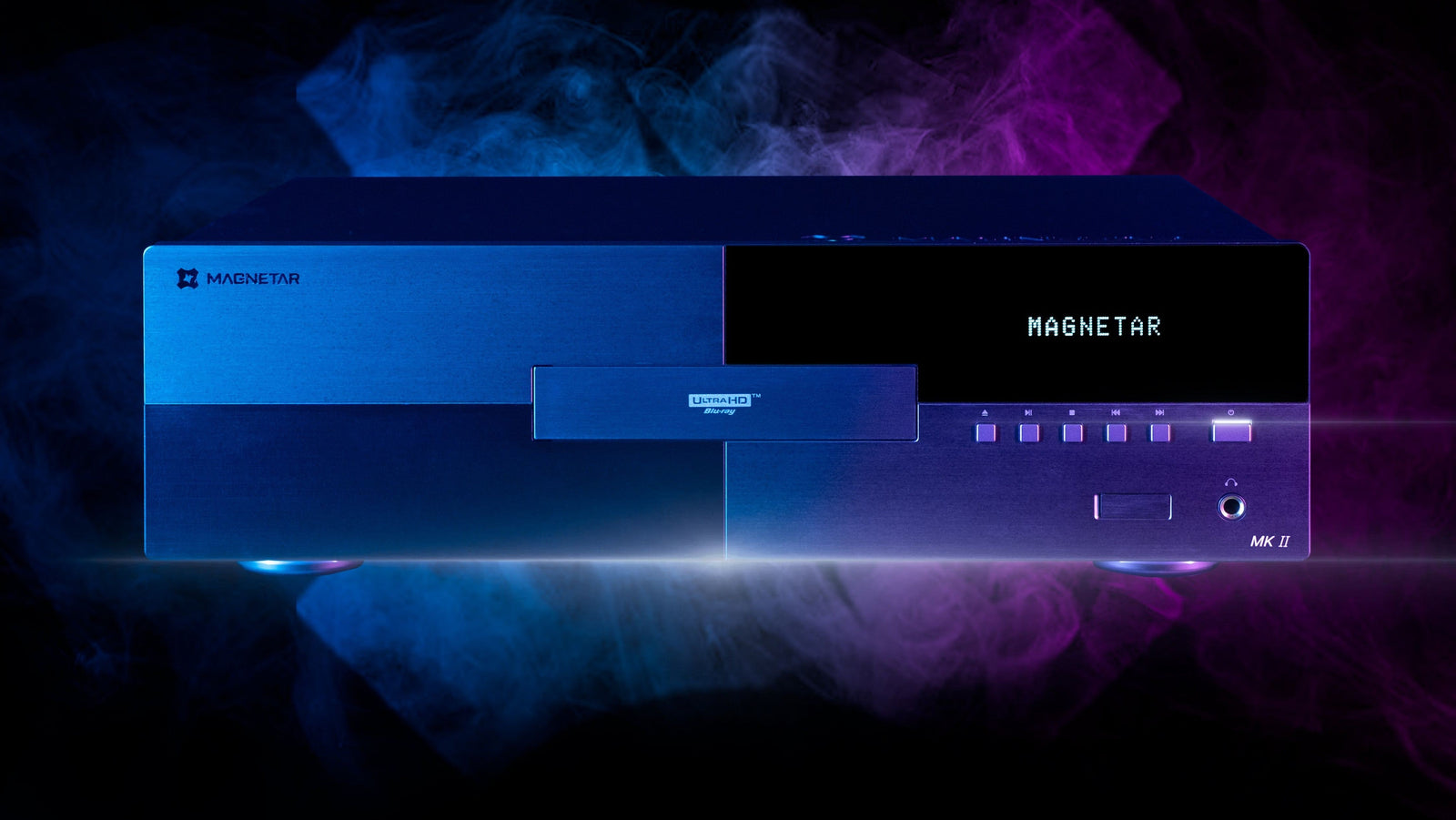
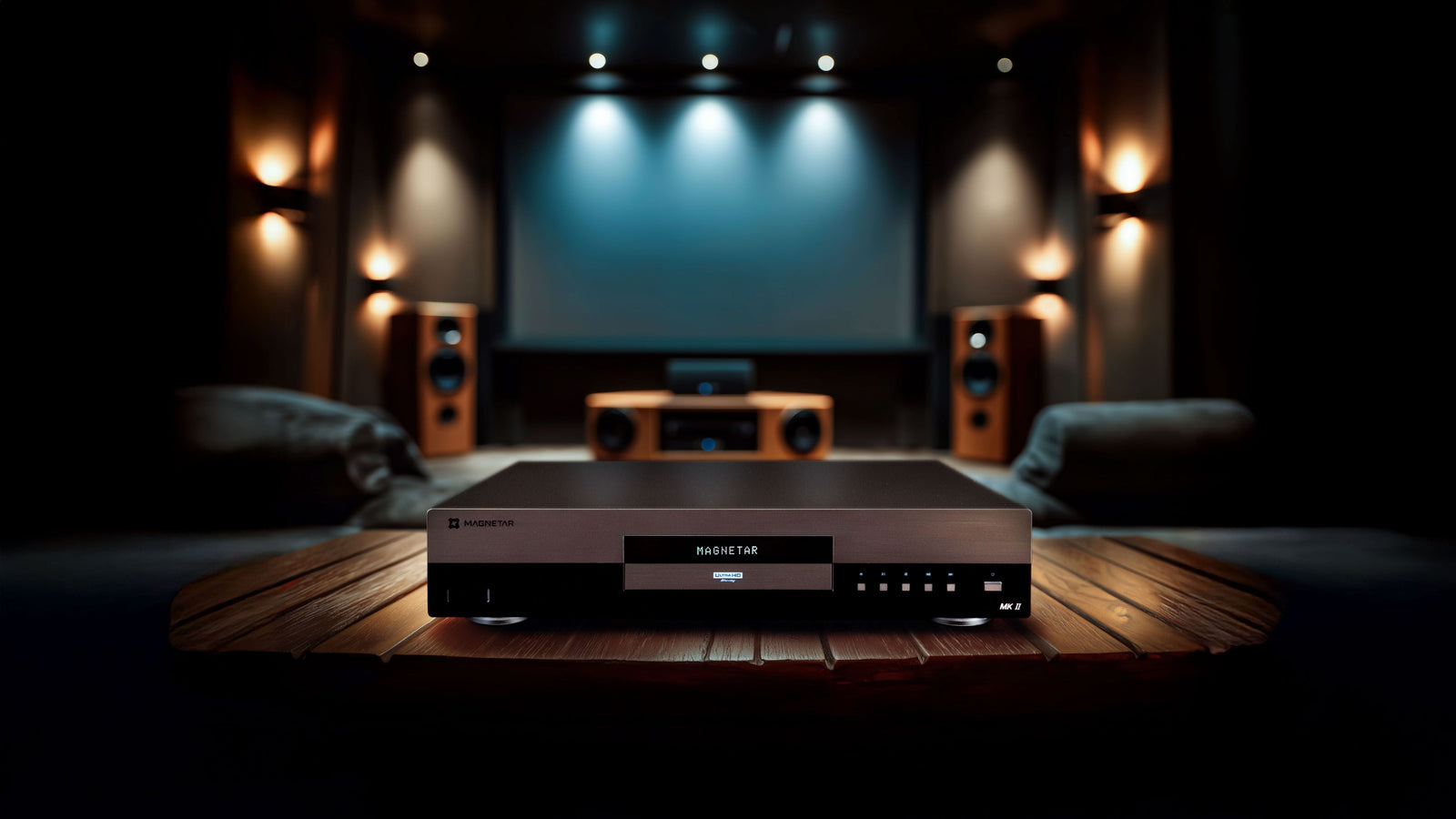
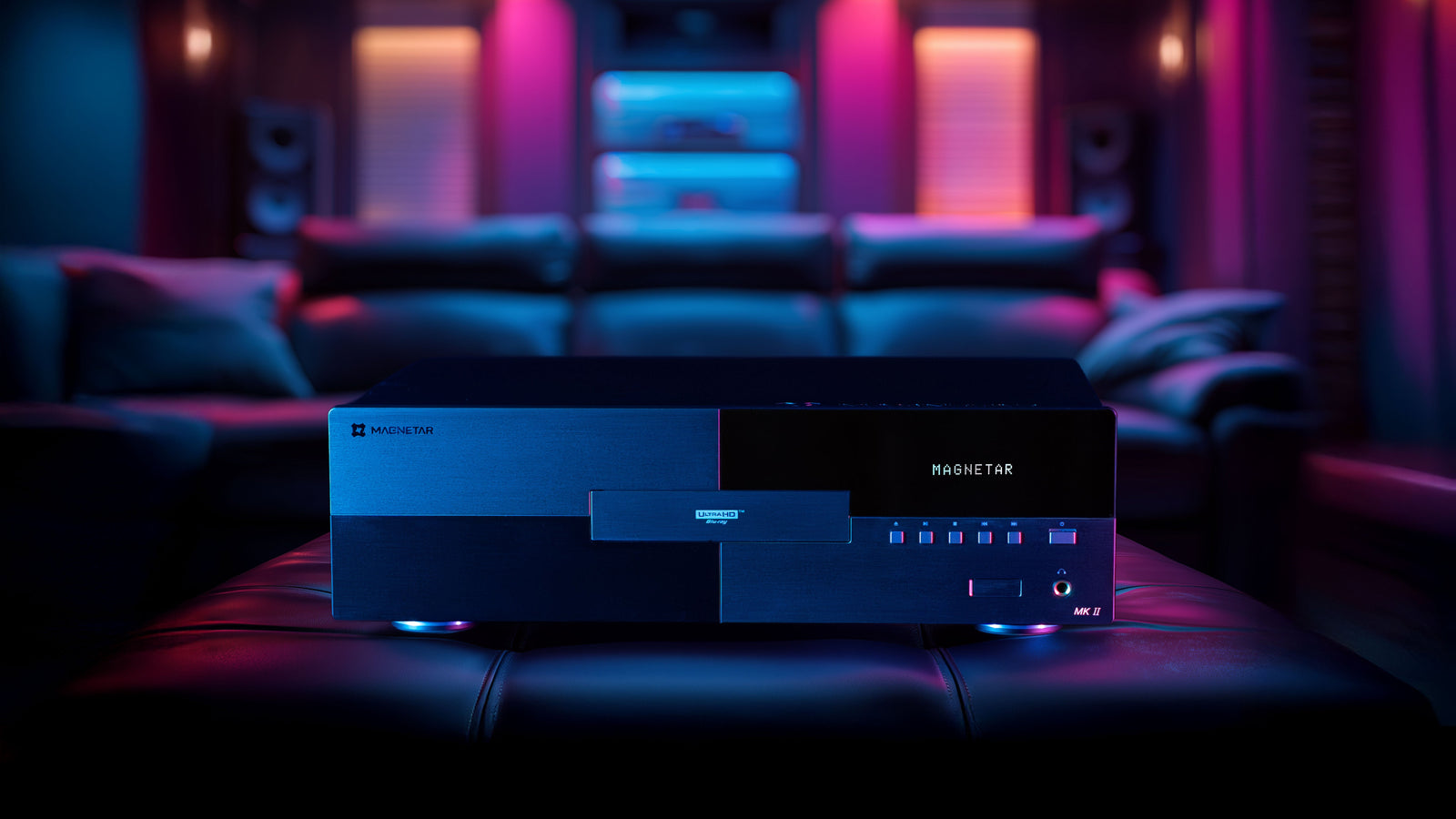
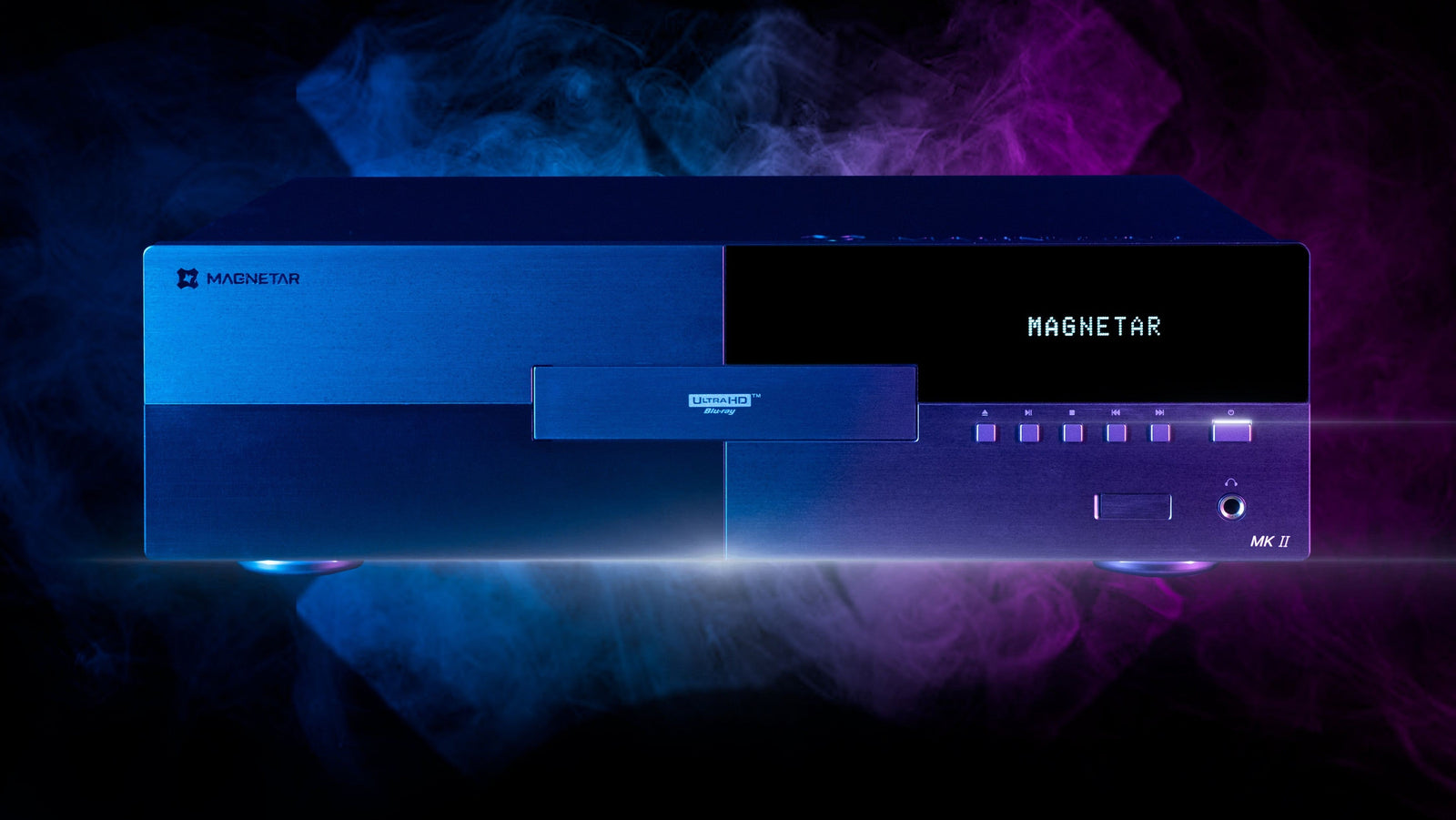
This guide will walk you through how to create a hybrid physical + digital home theater library using high-capacity USB storage and a true universal player like the Magnetar line of media players.

Why Build a Local 4K Movie Library?
Streaming is convenient. But convenience often comes at the cost of quality and control.
What Streaming Can’t Guarantee:
• Consistent bitrate
• Uncompressed audio formats like Dolby TrueHD or DTS-HD Master Audio
• Permanent access to purchased titles
• Stability during peak internet traffic
• Ownership rights
Even 4K streaming typically uses aggressive compression to reduce bandwidth requirements. By contrast, Ultra HD Blu-ray and locally stored 4K files preserve dramatically higher bitrates and full lossless audio.
If you care about:
• True Dolby Atmos
• DTS:X in full resolution
• HDR accuracy
• Frame rate integrity
• Reference-grade picture clarity
…local playback is still the gold standard.
What Is a Hybrid Media Library?
A hybrid library combines:
1. Physical media playback (Ultra HD Blu-ray, Blu-ray, SACD, DVD)
2. Locally stored digital files (MKV, FLAC, high-resolution audio files, etc.)
3. USB or network-based storage for high-capacity digital access
Instead of relying on streaming apps, you control everything locally, either via disc or external storage connected directly to your player.
The Hardware Foundation: A Universal Player
At the heart of a hybrid system is a universal player capable of both disc playback and file playback via USB.
Players in the Magnetar lineup support:
• Ultra HD Blu-ray
• Blu-ray
• DVD
• SACD
• CD
• High-resolution audio files• USB storage up to 16TB (per drive)
That last point is crucial.
A single 16TB drive can hold:
• Hundreds of full 4K MKV rips
• Thousands of Blu-ray files
• Tens of thousands of high-resolution music files
No streaming app required.
Step 1: Choosing Your Storage (Up to 16TB and Beyond)
Recommended Specs:
- USB 3.0 or higher
- 8TB–16TB capacity (depending on library size)
- Reliable brand with good power stability
- NTFS or exFAT formatting (check compatibility)
You can:
- Use a single large drive
- Rotate multiple drives
- Create categorized drives (movies / concerts / music / archival)
This approach gives you modular control over your content.
Step 2: Building Your Digital Library
Many enthusiasts digitize their legally owned media for archival and playback convenience.
Your library might include:
- 4K MKV files (full bitrate)
- Blu-ray ISO backups
- Concert films
- High-resolution FLAC or DSD audio
- Lossless concert recordings
- Rare out-of-print media
The benefit of local storage:
- No compression degradation
- No reliance on servers
- No content disappearing due to licensing shifts
For collectors of boutique labels and limited editions, this becomes particularly important.
Step 3: Direct USB Playback (No Network Required)
One of the most underrated features in high-end universal players is direct USB playback.
Why this matters:
- No Wi-Fi instability
- No router bottlenecks
- No NAS configuration complexity
- No subscription ecosystems
You simply:
- Connect your USB drive
- Navigate your folders
- Play your content
This is stability by design.
In a world of constantly updating apps and firmware-dependent streaming platforms, local playback remains refreshingly consistent.
Ethernet vs Wi-Fi: Why Wired Still Wins
High-end players often prioritize Ethernet over Wi-Fi.
Why?
Because wired connections:
- Deliver consistent bandwidth
- Avoid signal dropouts
- Reduce handshake issues
- Support higher bitrate stability
Even if you’re accessing a NAS server or network storage, Ethernet ensures stable throughput, especially critical for full-bitrate 4K playback.
Organizing Your 4K Movie Server
You don’t need enterprise-level software to build a functional system.
A simple folder structure works well:
Movies
├── 4K HDR
├── Blu-ray
Concerts
Music
├── FLAC
├── DSD
Clear naming conventions ensure smooth navigation.
Some enthusiasts go further with metadata management software, but many prefer the simplicity of direct file browsing for stability and speed.
The Audio Advantage: Lossless Playback
Streaming platforms often transcode audio.
Local playback allows:
- Dolby TrueHD
- DTS-HD Master Audio
- DTS:X
- Native DSD playback
- High-resolution PCM
For systems using high-end DAC architecture or analog outputs, this matters even more.
In premium players like the higher-tier models from Magnetar, advanced DAC design supports audiophile-grade playback from both disc and file sources.
That means your 4K movie server doubles as a high-resolution music server.
Storage Capacity: What 16TB Really Means
To put it in perspective:
- A full bitrate 4K rip: ~60–100GB
- A Blu-ray: ~25–50GB
- A high-res album: ~1–3GB
16TB can hold roughly:
- 160–250 full 4K films
- 400–600 Blu-rays
- Or a massive music archive
And that’s per drive.
Many enthusiasts rotate drives or maintain categorized collections.
Reliability and Longevity
Streaming services can:
- Remove titles overnight
- Change versions
- Replace theatrical cuts
- Downgrade audio formats
A local server ensures:
- The version you bought is the version you keep
- No edits
- No compression changes
- No licensing removals
For cinephiles and collectors, this control is invaluable.
Is a NAS Required?
Not necessarily.
A NAS (Network Attached Storage) can centralize content, but it adds:
- Network complexity
- Router dependency
- Setup configuration
- Firmware updates
For many users, direct USB storage offers a simpler, more stable solution.
Plug in. Play.
The Hybrid Model: The Best of Both Worlds
You don’t need to abandon streaming entirely.
Many enthusiasts use:
- Streaming for discovery
- Physical media for favorites
- Local server for archival playback
- USB playback for convenience
The hybrid approach maximizes flexibility without sacrificing quality.
Who Should Build a 4K Movie Server?
This solution is ideal for:
- Physical media collectors
- Audiophiles
- Home theater enthusiasts
- Boutique Blu-ray buyers
- Concert film collectors
- Anyone tired of disappearing content
If you’ve invested in a reference-grade display and audio system, your content should match that standard.
The Bigger Philosophy: Ownership Over Access
Building a personal 4K movie server isn’t about rejecting technology, it's about controlling it.
It’s about:
- Stability over subscriptions
- Bitrate over bandwidth limitations
- Permanence over platform licensing
- Accuracy over compression
High-end universal players are designed for this philosophy.
They’re format-agnostic. They’re system-flexible. They’re future-conscious.
And when paired with high-capacity local storage, they become the centerpiece of a fully self-controlled home theater ecosystem.
Final Thoughts: Future-Proofing Your Collection
Physical media isn’t disappearing. In many enthusiast circles, it’s growing stronger.
Hybrid libraries, combining disc playback and local file storage, represent the most resilient model for serious home theater owners.
Whether you’re archiving rare releases, preserving concert films, or building a curated high-resolution music collection, local playback ensures your system performs at its highest potential.
If you’re serious about performance, stability, and ownership, building a 4K movie server may be the smartest upgrade you make.