



A great home theater can contain an extraordinary television or projector. It can have an elaborate speaker array, a powerful AV receiver, a premium disc player, carefully selected HDMI cables, and enough processing technology to rival what would have seemed impossible in a residential system just a generation ago.
And yet...none of those things, by themselves, can create a truly great home theater. There's more to accomplishing that goal than just picture quality and sound quality independently. A great home theater is made from multiple complicated systems behaving like one machine, and that distinction is easy to overlook.
We naturally evaluate home theater equipment component by component. How good is the display? How powerful is the amplifier? How accurate are the speakers? How capable is the source device? Does the system support Dolby Atmos, DTS:X, HDR10, Dolby Vision, high-resolution audio, and the other formats we want to experience?
Those questions are important...sure. But once the movie starts, the boundaries between those products are supposed to disappear. You shouldn’t be thinking about the disc player sending information to an AV receiver, the receiver negotiating with a television, the television processing HDR metadata, the processor decoding an audio format, or the speakers compensating for their different positions in the room.
You should simply be watching a movie...
But achieving that apparent simplicity requires an enormous amount of coordination behind the scenes. Let's dive into it.

The Home Theater Signal Chain
Consider what happens when you insert a 4K Ultra HD Blu-ray into a home theater system:
At the most basic level, the disc player reads the information stored on the disc. But that information may include 4K video, HDR data, high-bitrate audio, subtitles, menus, Java-based interactivity, multiple soundtracks, alternate video content, and other elements.
The player has to interpret that information correctly and send the appropriate signals downstream.
From there, those signals may travel through an HDMI cable to an AV receiver or processor. The receiver may route the video toward a television or projector while simultaneously decoding or processing the audio for a multichannel speaker system.
The display then has its own job. It must recognize the incoming resolution, frame rate, color information, and HDR format and determine how that information should be rendered using the capabilities of its particular panel or projection system.
Meanwhile, the audio system may be decoding a lossless or object-based soundtrack, applying room correction, bass management, channel delays, crossover settings, and other processing before the sound ever reaches the listener.
All of this has to happen continuously, and all of it has to remain coordinated. Modern theater systems may encounter occasional compatibility problems, sure...but it's remarkable that so many independent devices can communicate with one another at all.
The Best Component Isn’t Necessarily the Best System
This leads to one of the most important ideas in home theater design:
System performance is not simply the sum of component specifications. Imagine purchasing an exceptional 4K display but feeding it an incorrectly configured signal, or installing excellent speakers without properly setting their distances, levels, or crossover points...or connecting a sophisticated AV receiver but configuring the signal path in a way that unnecessarily processes the video.
Every individual component could be excellent while the resulting experience is still compromised.
Conversely, a thoughtfully designed system can sometimes outperform expectations because every component has been chosen, configured, and calibrated to complement the others.
Home theater therefore involves two different questions.
The first is: How good is this component?
The second (and often more important) is: How well does this component function within the system?
That second question is where home theater becomes truly interesting.
HDMI Is More Than a Cable
HDMI is often discussed as though it were simply a cable carrying picture and sound from Point A to Point B. In a modern home theater, the reality is far more complicated.
HDMI connects an ecosystem of devices that need to exchange information about what they are capable of receiving and reproducing. A source device may need to determine what resolutions, refresh rates, audio formats, and other capabilities are supported downstream.
An AV receiver may sit between the source and display. Audio may travel in one direction while technologies such as Audio Return Channel or Enhanced Audio Return Channel allow audio from a television to travel back toward an AVR or soundbar. Enhanced Audio Return Channel, or eARC, for example, supports high-bitrate formats including Dolby TrueHD, Dolby Atmos, DTS-HD Master Audio, and DTS:X, while simplifying the connection between compatible displays and audio systems.
The HDMI connection therefore is doing more than simply transporting data. The devices are cooperating, and when that cooperation works properly, the user sees almost none of it.
Insert a disc, press play, and watch the movie.
That simplicity is the result of tremendous complexity functioning correctly.
Synchronization: When Milliseconds Make a Difference
Perhaps nowhere is the concept of the home theater behaving as one machine more obvious than audio/video synchronization.
Imagine a character speaking. The display requires time to process the image. The audio processor requires time to decode and process the soundtrack. Additional video processing might add latency. Room correction or other audio processing may introduce its own timing considerations.
If the two paths don’t remain properly coordinated, something immediately feels wrong.
A person’s mouth moves...and the words arrive slightly later.
A door slams...and the impact doesn’t correspond precisely with the image.
An explosion appears...and its sonic impact feels detached from what you’re seeing.
This phenomenon is generally known as lip-sync error, although dialogue isn’t the only place where synchronization is important. The challenge has existed long enough that automatic lip-sync capabilities have been incorporated into HDMI technologies for years. And the problem remains relevant enough that the HDMI 2.2 specification introduced a newer technology called Latency Indication Protocol, or LIP.
LIP allows compatible connected devices to exchange latency information so that the system can more effectively compensate for differences between audio and video paths, particularly in complex configurations involving devices such as AV receivers and soundbars.
That tells us something important about modern AV engineering. As systems become more capable, keeping everything synchronized can become more (not less) important.
Picture and sound are two separate things, but the ultimate goal is to make picture and sound behave as though they were always one thing.
Your Speakers Are a System Within the System
The same principle exists inside the audio portion of a home theater. Consider a multichannel immersive audio installation:
Speakers are positioned at different locations around the listener. Some may be several feet farther away than others. Height speakers introduce another dimension. Subwoofers create their own integration challenges. And yet, the soundtrack assumes that these channels will create a coherent sonic environment. That requires calibration.
Speaker distances and delays help account for differences in the amount of time sound takes to reach the listening position. Level matching helps ensure that channels operate in appropriate balance. Bass management determines how low-frequency information is distributed between speakers and subwoofers. Time alignment is particularly important in immersive systems. Dolby’s own technical guidance for Atmos mixing environments emphasizes matching the arrival time of sound from speakers at different distances so that panning remains natural and the sound image remains stable.
The same fundamental principle matters in a home theater:
A speaker isn’t really operating alone, it is one element in a larger acoustic machine.
Video Has Its Own Chain of Cooperation
The video side is equally interconnected. A 4K UHD Blu-ray may contain an HDR presentation mastered to standards that exceed what a particular consumer display can reproduce directly.
The display therefore has to interpret that signal within its own capabilities. Different displays use different panel technologies, peak brightness capabilities, black levels, processing systems, and tone-mapping strategies. The source device can also affect how the signal is delivered.
Then there are user-selectable settings:
*Sharpness.
*Noise reduction.
*Motion processing.
*Dynamic contrast.
*Color temperature.
*Black-level configuration.
*HDR settings.
*Output resolution.
*Color-space options.
A technically excellent display can produce a presentation dramatically different from what was intended simply because something in the chain has been configured incorrectly. Again, the overall lesson here is that the entire path determines picture quality...not one single component.
Compatibility Is a Performance Feature
Home theater enthusiasts understandably focus on visible specifications.
*Resolution.
*Bit depth.
*Dynamic range.
*Signal-to-noise ratio.
*Amplifier power.
*Frequency response.
But compatibility deserves to be thought of as a performance characteristic too. A component that performs spectacularly under ideal conditions but introduces problems elsewhere in the system can undermine the experience.
Reliable format handling, stable HDMI communication, correct frame-rate output, audio-format compatibility, disc navigation, firmware maturity, interoperability...all of these are important. Even seemingly mundane behaviors (how quickly components recognize each other, whether an HDMI handshake completes correctly, or whether switching formats causes unexpected behavior) affect what it’s actually like to use a home theater every day.
The best technology eventually becomes invisible. When everything works, you stop thinking about the technology at all.
The Weakest Link Isn’t Always the Most Expensive One
This also explains why troubleshooting home theater systems can occasionally feel mysterious. If the screen briefly goes black, which component caused it?
The source? The cable? The receiver? The display? A setting? A handshake?
If an audio format isn’t appearing correctly, is the player decoding it when it should be bitstreaming it? Is the receiver configured correctly? Is the television returning the audio through ARC rather than eARC? Does every device in the chain support the desired format?
Home theater problems are often caused by relationship problems between components.
That changes the way enthusiasts should approach troubleshooting. Rather than immediately asking, “What’s broken?” it can be more productive to ask: "Where in the signal chain is communication breaking down?"
Simplifying the chain can often help isolate the answer. Connecting a source directly to the display can reveal whether an intermediate device is involved, testing another HDMI input or an appropriately certified cable can eliminate another variable, checking output and passthrough settings can determine whether a device is transforming a signal unexpectedly, etc.
The objective is to understand the system as a path rather than a pile of equipment.
Why Source Quality Is Important
Within that ecosystem, the source component occupies an important position.
It sits near the beginning of the playback chain. Everything downstream depends on receiving the information it needs from the source reliably and correctly. For physical media enthusiasts, a universal disc player may be asked to handle an unusually broad collection of formats (from 4K UHD Blu-ray and Blu-ray to DVD, CD, SACD, DVD-Audio, and high-resolution digital files) depending on the player’s capabilities.
Each format brings different requirements.
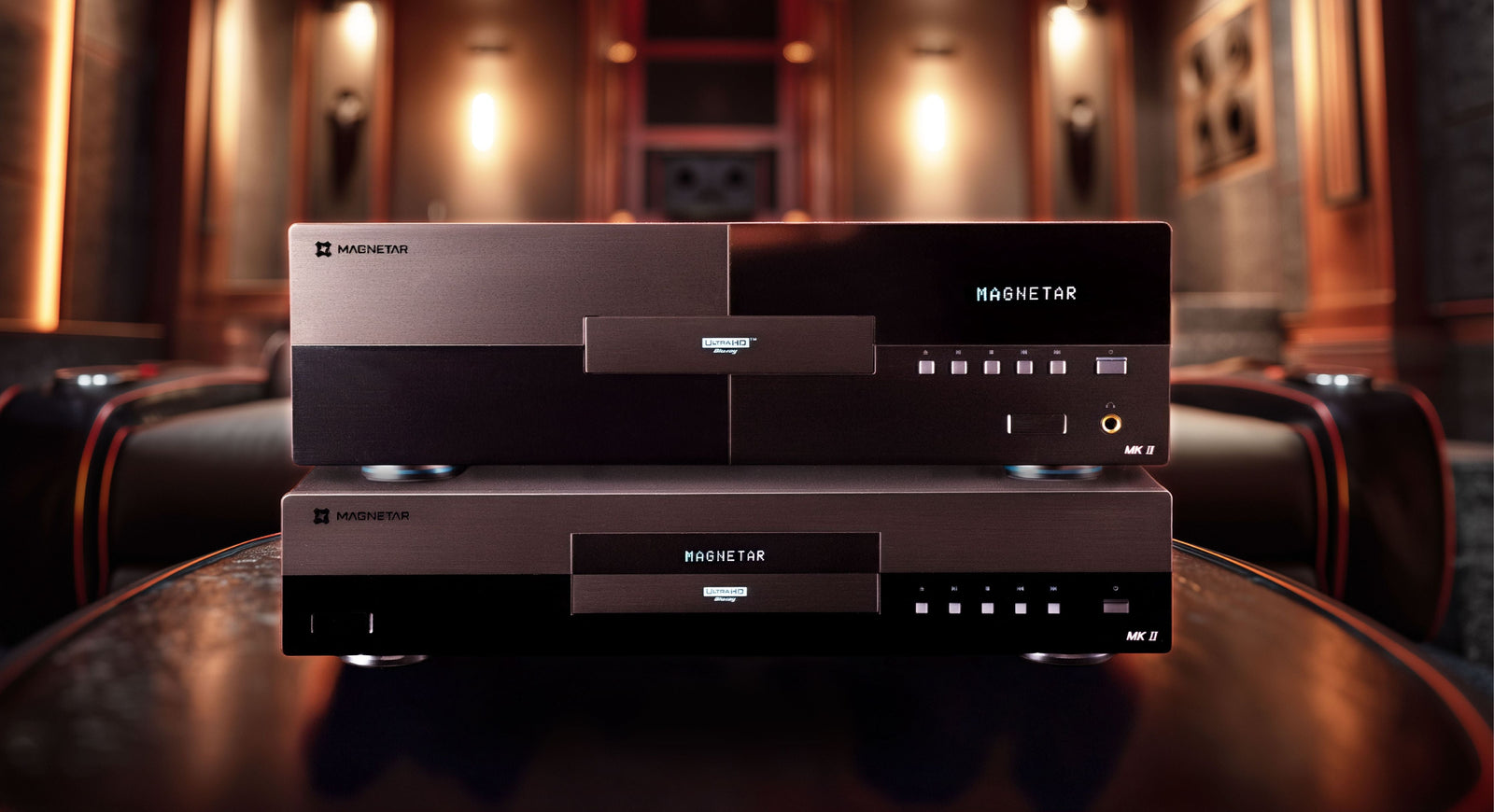
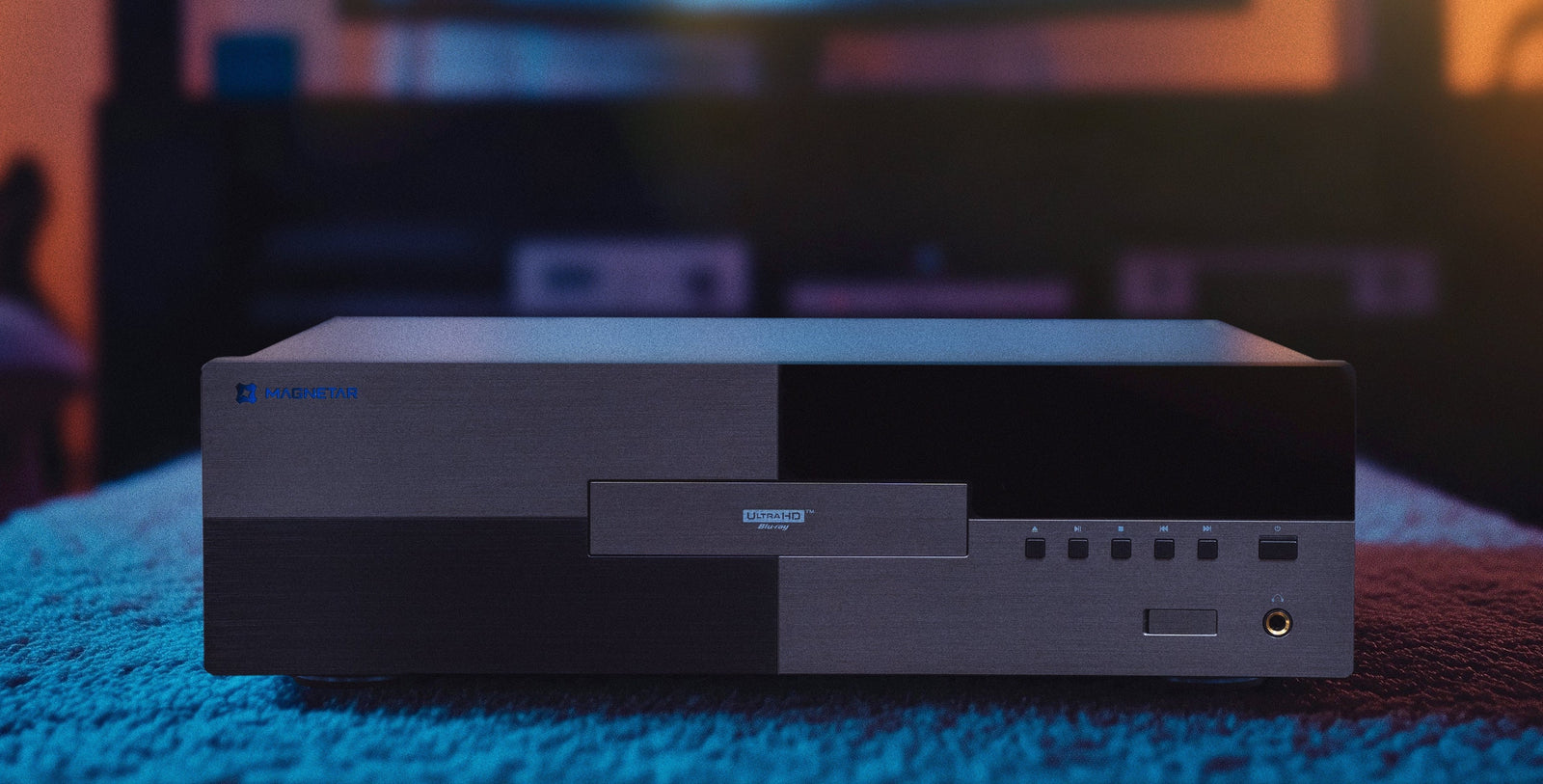
A well-designed source should provide a stable, accurate foundation upon which the rest of the system can perform. That philosophy is central to the role products such as Magnetar’s universal disc players occupy in a serious home theater.
Complexity Should Create Simplicity
There is a wonderful paradox at the center of modern home theater: Behind the screen, the system may be extraordinarily complicated. Millions of pixels are being processed, high-bandwidth digital signals are moving between components, metadata is being interpreted, audio channels are being decoded, timing is being corrected, speakers are being coordinated, displays are adapting incoming images to their physical capabilities...and yet, the experience we’re trying to create couldn’t be simpler:
Sit down, dim the lights, press play, and forget the equipment exists.
That may ultimately be one of the best measures of a successful home theater.
How many specifications are printed on the boxes, how complicated the equipment rack looks, how impressive one component sounds during a demonstration...that's not where the real magic lies. The real magic lies in how completely all of those individual technologies disappear once the movie begins.
To reiterate, home theater is really about getting multiple complicated systems to behave like one machine, and when that machine is working exactly as it should, you're not thinking about experiencing a player, a processor, a display, the speakers, the cables, or the formats. Your focus locks into experiencing the film or show itself.
And that's how it should be.