




Walk into a store, browse an online retailer, or pull a movie from your collection and the promise printed across the top of the case seems simple enough: 4K Ultra HD.
It sounds like a guarantee. So, if one movie is presented in 4K and another movie is presented in 4K, shouldn’t they offer roughly the same level of picture quality?
Anyone who has spent enough time watching 4K Ultra HD Blu-rays knows that isn’t necessarily the case.
Some discs can be breathtaking. Fine textures leap from the screen, film grain appears beautifully resolved, colors have extraordinary richness, highlights seem almost tangible, and dark scenes reveal subtle details that may have disappeared on previous releases.
Then there are other 4K discs that produce a much less dramatic reaction.
They may look good...they may even represent the best version of the movie available. But compared with a well-mastered standard Blu-ray, the difference can sometimes feel surprisingly modest.
So why do some 4K Blu-rays look better than others?
The answer is that the words “4K Ultra HD” describe the delivery format, not the entire journey that created the image.
Resolution is only one ingredient in image quality. The source material, digital intermediate, restoration, cinematography, visual effects, HDR grading, compression, bitrate and mastering choices can all influence what ultimately reaches your television or projector.
To understand why 4K discs can look so different from one another, we have to travel backward from the disc itself and look at how that movie reached 4K in the first place.

4K Resolution Is Only the Beginning
A 4K Ultra HD image has a resolution of 3840 × 2160 pixels, four times the total pixel count of the 1920 × 1080 image associated with Full HD.
That is a substantial increase in potential image information, but there’s an important word in that sentence: potential.
A 4K container cannot magically create detail that wasn’t present in the source used to produce it.
Imagine scanning two photographs at exactly the same high resolution. One photograph is an extremely sharp original negative. The other is a slightly blurry photocopy.
Both resulting files might technically have the same pixel dimensions, but they won’t contain the same amount of meaningful visual information.
Something similar can happen with movies.
A 4K Ultra HD disc may contain a 4K video presentation, but the quality of that presentation depends heavily on what happened before the movie was encoded onto the disc.
Native 4K vs. a 2K Digital Intermediate
One of the most discussed differences between 4K movie releases involves the digital intermediate, commonly abbreviated as DI.
During modern film production, footage from cameras is typically brought into a digital post-production environment where editing, color grading, visual effects and other finishing work take place.
For many years, a huge number of movies were completed using a 2K digital intermediate.
That made perfect sense at the time. 2K workflows were established, computationally manageable and sufficient for theatrical distribution standards of the era. Visual effects pipelines were also frequently built around 2K resolution.
But it creates an interesting situation when those movies later arrive on 4K Ultra HD Blu-ray.
If the completed movie exists primarily as a 2K digital intermediate, producing a 4K release may involve upscaling that 2K master to 4K.
However, that does not automatically make the resulting UHD release bad...far from it.
A 4K Ultra HD version sourced from a 2K DI can still benefit substantially from HDR, wider color capabilities, improved compression and a higher-quality video encode. Depending on the previous Blu-ray, it may be a clear upgrade, but it may not demonstrate the same dramatic increase in fine detail as a movie finished from a genuine 4K source.
This is why simply asking whether a movie is “in 4K” doesn’t tell the entire story.
Why an Old Movie Can Look Astonishing in 4K
Here’s one of the wonderful paradoxes of the 4K era:
A movie made several decades ago can sometimes look more impressive on 4K UHD than a movie produced during the early years of digital filmmaking.
Why would that be?
Film.
Traditional motion-picture film doesn’t consist of pixels. A well-preserved 35mm negative can contain a remarkable amount of recoverable photographic information. Larger formats such as 65mm can offer even greater potential.
When studios return to original film elements and perform high-resolution scans for a new restoration, details that weren’t fully visible on DVD or even Blu-ray can suddenly emerge.
Fabric textures become clearer, background details become more apparent, faces retain subtle texture, and production design can reveal details that have been hiding in the image for decades.
To be clear, in these situations, 4K isn’t creating new detail, but it is finally giving existing detail enough room to shine. That distinction is important.
The age of a movie tells us surprisingly little about how good a 4K release can look. The condition and quality of its source elements (and the care taken during restoration) can carry far more weight.
The Camera Matters, Too
Not every movie begins with the same amount or type of visual information.
Movies can be photographed on different film stocks, film gauges and digital camera systems. Lenses vary enormously, lighting choices affect perceived sharpness, depth of field can intentionally leave much of an image soft, and diffusion filters may deliberately reduce clinical sharpness.
And in some cases, a filmmaker simply doesn’t want an ultra-crisp image.
This is where conversations about 4K picture quality can become misleading. A movie isn’t necessarily supposed to look razor sharp. A dreamy drama photographed with vintage lenses may intentionally have blooming highlights and softer edges, a gritty film production might feature heavy grain, and a horror movie may intentionally bury information in darkness.
So, in many cases, none of those characteristics necessarily indicate a bad transfer.
The goal of a good home-video presentation isn’t to make every movie look like pristine digital demonstration footage... rather, the goal is to reproduce the intended image as faithfully as possible.
Visual Effects Can Create Another Resolution Bottleneck
Modern blockbusters introduce another complication: visual effects.
A movie may be photographed using extremely high-resolution digital cameras while portions of its visual effects pipeline are completed at a lower resolution. Why?
Rendering complex computer-generated imagery is computationally expensive.
Increasing resolution dramatically increases the amount of data that must be processed, stored and rendered. Historically, completing enormous effects-heavy productions entirely at 4K could add considerable cost and processing requirements.
As a result, some movies with spectacular modern cinematography were still finished through 2K workflows.
Again, that doesn’t mean their 4K discs can’t look excellent...but it helps explain why a relatively simple movie scanned from pristine film elements might display astonishing fine detail while a much newer effects-heavy blockbuster offers a less dramatic jump over its Blu-ray counterpart.
The final resolution printed on the package is only the last chapter of a much longer story.
HDR May Be a Bigger Upgrade Than Resolution
When consumers think about 4K UHD, resolution usually gets top billing, but depending on the movie and your display, High Dynamic Range may be one of the most noticeable improvements of the entire format.
HDR can allow compatible displays and properly mastered content to reproduce a broader range between deep darkness and intense highlights.
Think about sunlight reflecting from metal, a flashlight cutting through a dark hallway, neon signs at night, fire, stars against a black sky, or the subtle gradations inside a shadowed room. A carefully executed HDR grade can make these images feel dramatically more dimensional. This also explains why a movie sourced from a 2K digital intermediate can still produce an impressive UHD release.
The increase in visible detail might be relatively modest, but the HDR presentation can transform the image in other ways. Depending on the release and equipment involved, UHD titles may use HDR formats including HDR10, HDR10+ or Dolby Vision. The quality of the actual grade still matters enormously. Simply having HDR doesn’t guarantee spectacular HDR.
Once again, the format provides capability. The mastering determines how that capability is used.
Wider Color Can Be Just as Important
Resolution isn’t the only area where UHD expanded the possibilities of home video. 4K Ultra HD also provides a framework capable of delivering a broader range of color information than conventional HD Blu-ray.
When the source and mastering take advantage of it, this can result in richer and more nuanced colors. That doesn’t necessarily mean everything becomes dramatically more saturated. In fact, good color reproduction is often most impressive when you aren’t consciously noticing it.
A sunset may contain smoother transitions between shades. Skin tones can retain subtle variations. Deep reds, greens and blues may have greater richness without simply looking artificially boosted. Movies with distinctive production design, elaborate costumes, colorful lighting or expansive natural landscapes can benefit enormously.
And once again, two discs carrying the same “4K Ultra HD” branding can use those capabilities very differently.
Compression: The Part You Aren’t Supposed to Notice
Even after a beautiful master has been created, another major step remains: The movie has to fit onto a disc.
Video requires enormous amounts of data, so home-video formats rely on sophisticated compression. UHD Blu-ray commonly uses HEVC/H.265 compression to deliver extremely high-quality video at manageable data rates. Good compression should largely disappear from the viewer’s awareness, while poor or overly aggressive compression can become visible.
Complex imagery can be particularly demanding. Film grain, smoke, rain, snow, confetti, moving foliage and other constantly changing fine patterns can require significant data to reproduce cleanly.
Film grain is an especially interesting example. Because grain changes from frame to frame, preserving its natural structure can be challenging for compression. If insufficient data is available (or if the encode isn’t handled carefully) the image may lose texture or exhibit unwanted artifacts.
This is one reason why bitrate is important, although bitrate by itself isn’t a simple quality score. An efficient, expertly authored encode can outperform a poorly optimized one. Different movies also have very different compression requirements.
Still, giving a difficult image enough room is an important part of creating an excellent UHD release.
Disc Capacity Can Enter the Equation
UHD Blu-ray discs can be produced in different capacities, and that available storage can influence authoring decisions. A longer movie with multiple audio tracks, bonus materials and a visually complex presentation has different storage requirements from a short feature with relatively simple imagery.
This doesn’t mean a larger-capacity disc automatically looks better. Nor does it mean a smaller-capacity disc automatically looks worse. Encoding is much more sophisticated than that.
But available space is part of the overall equation. More room can give an authoring team greater flexibility when allocating data to a demanding video presentation. It’s another reminder that the quality of physical media involves considerably more engineering than simply copying a movie file onto a shiny circle.
Film Grain Is Not a Defect
This deserves special attention because it’s one of the most common sources of confusion surrounding older movies on 4K.
If a movie was photographed on film, grain is part of the photographic image. A high-quality 4K restoration may actually make that grain more visible because the format is resolving the structure of the original film more accurately.
To someone accustomed to extremely clean digital cinematography, that can initially look like “noise.” But removing grain aggressively can also remove genuine picture information.
Heavy digital noise reduction, or DNR, can smooth skin, erase fine textures and give faces an unnatural, waxy appearance. Restoration therefore requires judgment.
The goal shouldn’t necessarily be to make an old movie look as though it was photographed yesterday with a modern digital cinema camera. Ideally, restoration preserves the character of the original photography while repairing damage and presenting the material as faithfully as practical. Sometimes a slightly grainier image is actually evidence that you’re seeing more of the original movie, not less.
The Master Is Everything
Eventually, all these factors converge in one place: the master.
A fantastic source can be compromised by questionable mastering choices. Conversely, careful restoration and mastering can extract astonishing results from material that audiences may have assumed could never look better.
Studios and restoration teams make countless decisions involving:
* color grading
* contrast
* black levels
* highlight detail
* grain management
* sharpening
* noise reduction
* cleanup
* HDR grading
* compression
* encoding
Those choices shape the finished disc. This is also why different releases of the same movie can look surprisingly different.
A later edition may use a new scan, a studio may commission a new restoration, a filmmaker or cinematographer may supervise a new color grade, and a boutique label may receive access to better source materials.
You’re not necessarily buying the exact same digital movie in a different package...you may be buying an entirely different presentation of that movie.
Your Display and Playback Chain are Important
There’s one final variable that doesn’t live on the disc at all:
Your system.
A beautifully mastered UHD disc still has to travel through a playback chain before you see and hear it. The player reads and decodes the content, HDMI transports the signal, an AV receiver or processor may sit in the chain, the television or projector then interprets and displays that signal according to its own capabilities and settings.
HDR performance can vary substantially between displays. Tone mapping, picture modes, calibration, HDMI configuration...all of these things are important.
Even viewing distance and screen size influence how noticeable additional resolution becomes. This is why evaluating physical media isn’t purely about the disc itself.
The disc is the source, and the entire system determines how much of that source ultimately reaches you.
So, What Makes a Great 4K Disc?
There isn’t one specification you can check. The best 4K Ultra HD presentations tend to represent a successful chain of decisions.
Strong source material, a high-quality scan or digital master, thoughtful restoration excellent color grading, well-executed HDR, careful compression, enough bitrate for the material, and faithful reproduction by the playback system. When those pieces align, the results can be spectacular. But when one or more stages are limited, the “4K” label alone can’t compensate.
That’s why comparing two UHD discs solely by resolution misses much of what makes home cinema interesting.
4K Isn’t a Quality Score
Perhaps the biggest misconception surrounding 4K Ultra HD is the idea that resolution functions like a universal rating.
1080p is good. 4K is better. Therefore every 4K disc should look roughly equally spectacular.
Real-world image quality simply doesn’t work that way.
A beautifully mastered 1080p Blu-ray can look exceptional. A carefully restored film scanned at high resolution can look revelatory on UHD. A 4K release sourced from a 2K intermediate may offer modest improvements in detail but dramatic improvements in HDR and color. And occasionally, a release simply doesn’t take full advantage of everything the format can offer. Understanding those differences makes collecting physical media considerably more interesting.
Instead of asking only, “Is it 4K?”, we can ask better questions:
*What was the movie photographed on?
*How was it finished?
*Was there a 2K or 4K digital intermediate?
*Was an older film rescanned from original elements?
*Was a new restoration created?
*How was HDR handled?
*How strong is the encode?
*What mastering choices were made?
Suddenly, the little black UHD case sitting on the shelf becomes the endpoint of an enormous technical and artistic process.
Getting the Most From What’s on the Disc
For home theater enthusiasts, this is also where the quality of playback equipment becomes important. A premium source component cannot add information that isn’t present in the master, and no player can transform a poorly produced transfer into a reference-quality one.
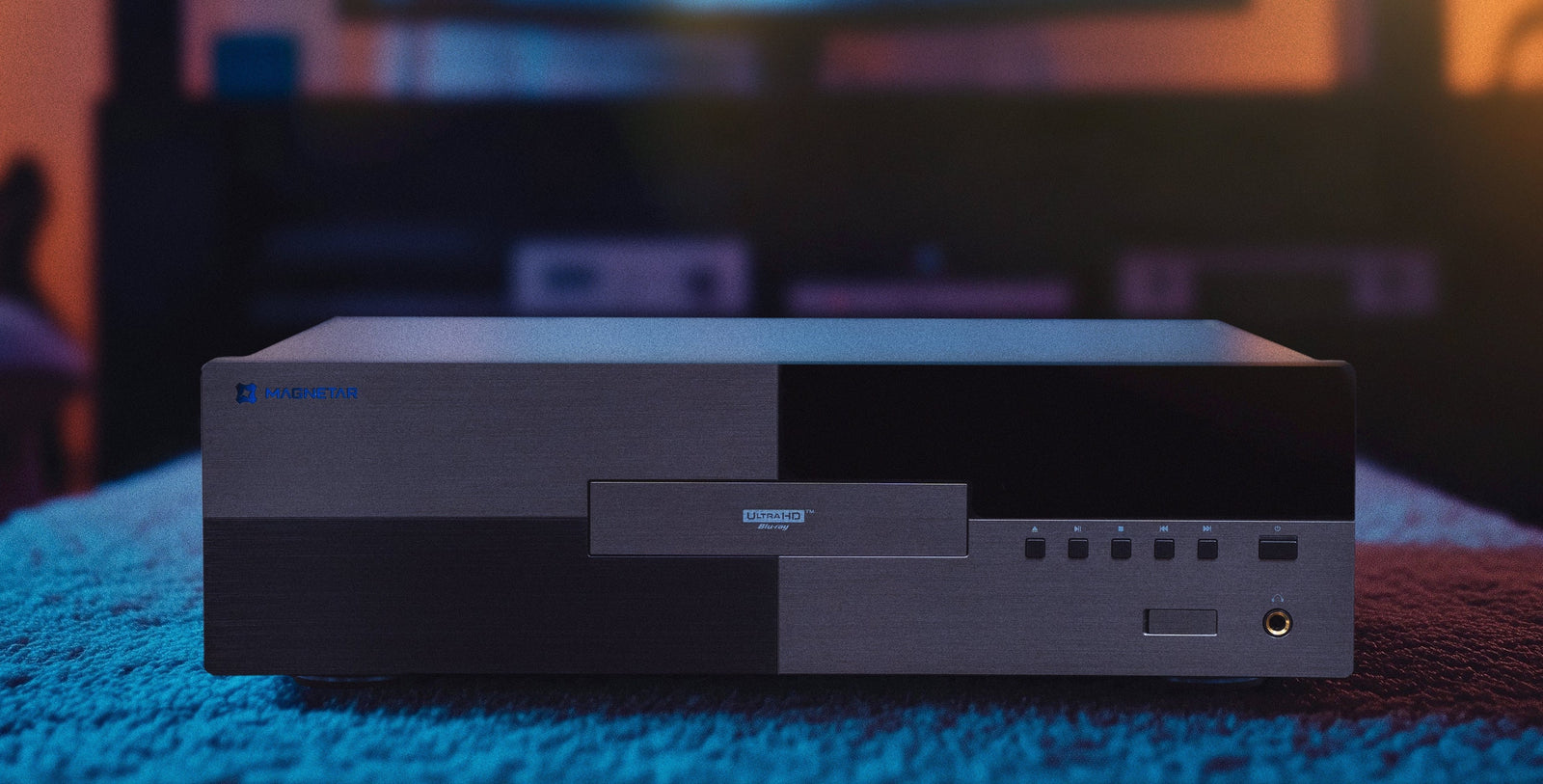
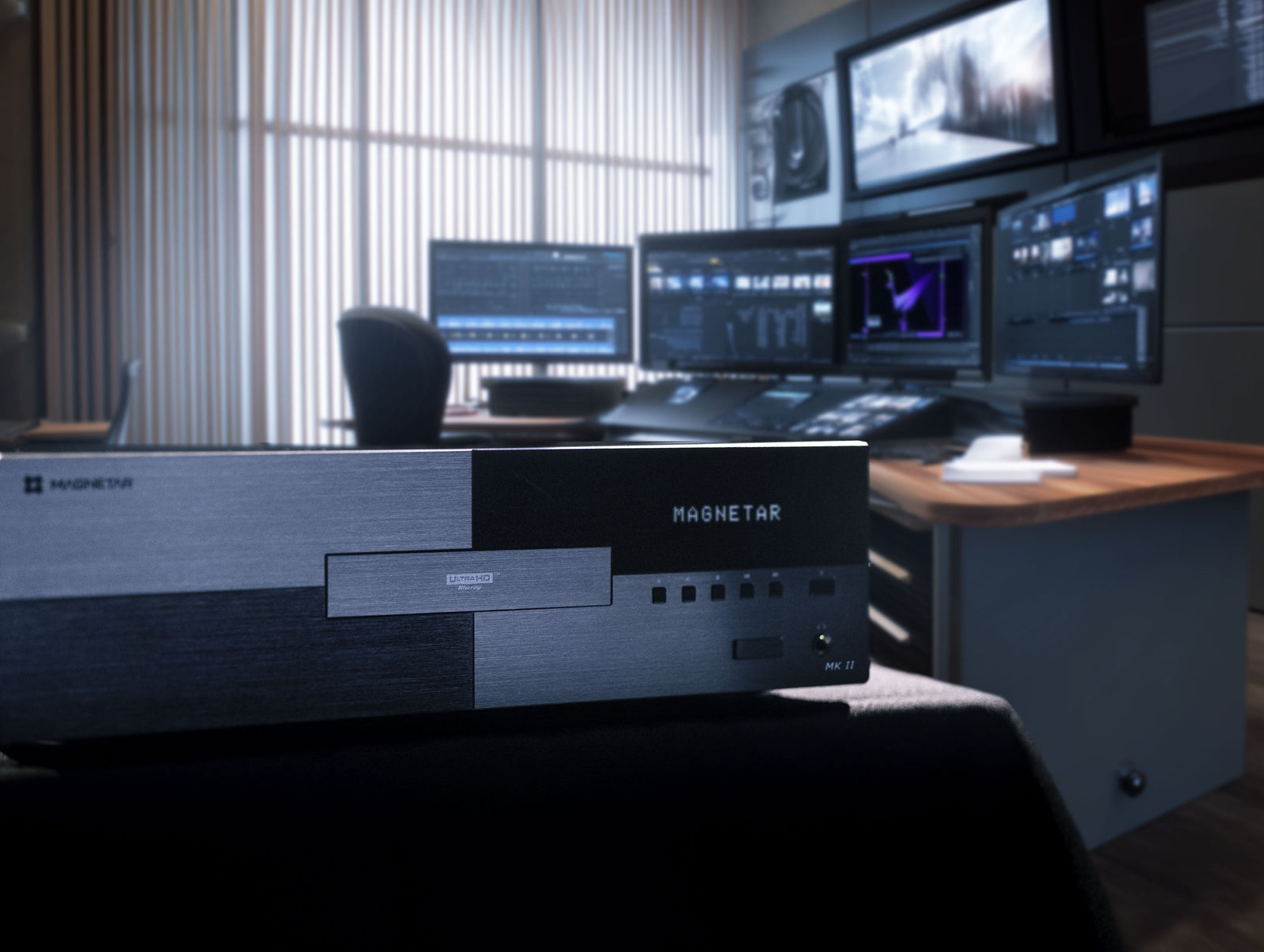
What excellent playback hardware can do is provide a stable, high-quality foundation for reproducing the information that is there. That’s part of the philosophy behind Magnetar’s universal media players. Whether a disc is a dazzling modern 4K production, a painstaking restoration of a decades-old film, a standard Blu-ray or another treasured piece of a physical-media collection, the goal is to give that source a playback platform designed around high-quality audio and video reproduction.
Ultimately, 4K Ultra HD is impressive because, when source material, restoration, mastering, encoding and playback all come together, it can bring us remarkably close to the image the filmmakers intended us to see.
That’s why the best 4K discs don’t merely look sharper, they can make a familiar movie feel new again.