



In the culture of home theater enthusiasts, file-based playback has become increasingly popular. With the rise of NAS systems, media servers, and high-capacity storage, many users are turning to digital file formats like MKV and BDMV as alternatives to physical discs.
On the surface, the appeal is obvious: convenience, instant access, and the ability to store entire libraries in a single location.
But beneath that convenience lies a far more complex reality...one filled with compatibility quirks, missing features, and subtle performance differences that are rarely discussed in depth.
Because when it comes to high-end playback, the question is not simply what you are watching...it’s how it’s being delivered.

What Is BDMV and What Is MKV?
Before diving into the hidden pitfalls, it’s important to understand what these formats actually represent.
BDMV (Blu-ray Disc Movie) is not a single file, but a full disc structure. It mirrors the exact layout of a Blu-ray or UHD disc, including:
* Video streams
* Audio tracks
* Menus
* Chapter markers
* Metadata
* BD-J (Blu-ray Java) interactivity
In theory, BDMV offers the closest possible approximation to disc playback, if everything functions correctly.
MKV (Matroska Video), by contrast, is a container format. It extracts the core video and audio streams and places them into a single file, typically removing:
* Menus
* BD-J logic
* Certain metadata layers
* Some advanced playback features
This makes MKV:
* Simple
* Flexible
* Widely compatible
But that simplicity comes with tradeoffs.
The BD-J Problem: Why Menus Break...or Disappear Entirely
One of the most misunderstood elements of Blu-ray playback is BD-J, the Java-based system responsible for menus, navigation, and playback logic.
BD-J controls:
* Menu systems
* Seamless branching
* Bonus features
* Alternate cuts of films
With a physical disc, BD-J is handled natively and reliably.
With BDMV playback, support can vary:
* Menus may load slowly
* Certain discs may not function correctly
* Interactive features may break entirely
With MKV, BD-J is removed altogether.
This means:
* No menus
* No interactive navigation
* No guarantee you’re watching the correct version of a film
And in some cases, viewers may not even realize something is missing.
Seamless Branching and Playlist Confusion
Many Blu-ray and UHD titles rely on seamless branching to store multiple versions of a film.
Examples include:
* Theatrical vs. extended cuts
* Alternate endings
* Regional variations
On a disc, BD-J ensures the correct version plays seamlessly.
With file playback:
* MKV creation often requires manual playlist selection
* Choosing the wrong playlist can result in:
* Missing scenes
* Repeated segments
* Incorrect film versions
Even experienced users can encounter this issue, especially with complex releases.
The Playback Pipeline Problem: Why Files and Discs Aren’t Treated the Same
One of the most overlooked realities in home theater is that not all content travels through a player the same way.
Even on high-end hardware, disc playback and file playback often use entirely different internal pipelines, and this difference can directly impact performance.
What Is a Playback Pipeline?
A playback pipeline is the internal path content takes through a player, including:
* Decoding
* Buffering
* Video processing
* HDR interpretation
* Audio extraction and output
When you insert a physical disc, the player engages a highly optimized, hardware-driven pipeline built specifically around Blu-ray and UHD standards.
This pipeline is:
* Predictable
* Synchronized
* Designed for exact disc specifications
With file playback, however, the situation changes.
Files like MKV and BDMV are often processed through a separate, more flexible pipeline designed to handle a wide variety of formats and structures.
That flexibility introduces variability.
Why Different Pipelines Exist
Disc playback follows strict standards:
* Defined formats
* Known structures
* Consistent metadata
This allows manufacturers to engineer a tightly controlled playback path.
File playback is far less predictable.
Files may vary in:
* Encoding
* Bitrate behavior
* Metadata accuracy
* Structural integrity
As a result, players must rely on broader compatibility layers, sometimes involving different decoding paths or processing logic.
Where Differences Become Visible
Because of these pipeline differences, subtle but meaningful issues can arise:
HDR Handling Variations
* Tone mapping may differ
* Dolby Vision may not engage correctly
* Some players fall back to HDR10 without notice
Color and Chroma Processing:
* Chroma upsampling may be handled differently
* Color precision can vary slightly
* Banding or minor artifacts may appear
Audio Path Differences:
* Bitstreaming behavior can change
* Object-based audio may not be preserved identically
* Some formats may be decoded rather than passed through
Timing and Synchronization:
* Audio/video sync can drift
* Frame pacing may differ
* Seamless branching is not natively supported
Stability and Error Handling:
* Disc playback includes robust error correction
* File playback depends on file integrity and storage stability
A disc with minor imperfections may still play smoothly.
A slightly flawed file may not.
Why High-End Players Reveal More
On lower-end systems, many of these differences go unnoticed.
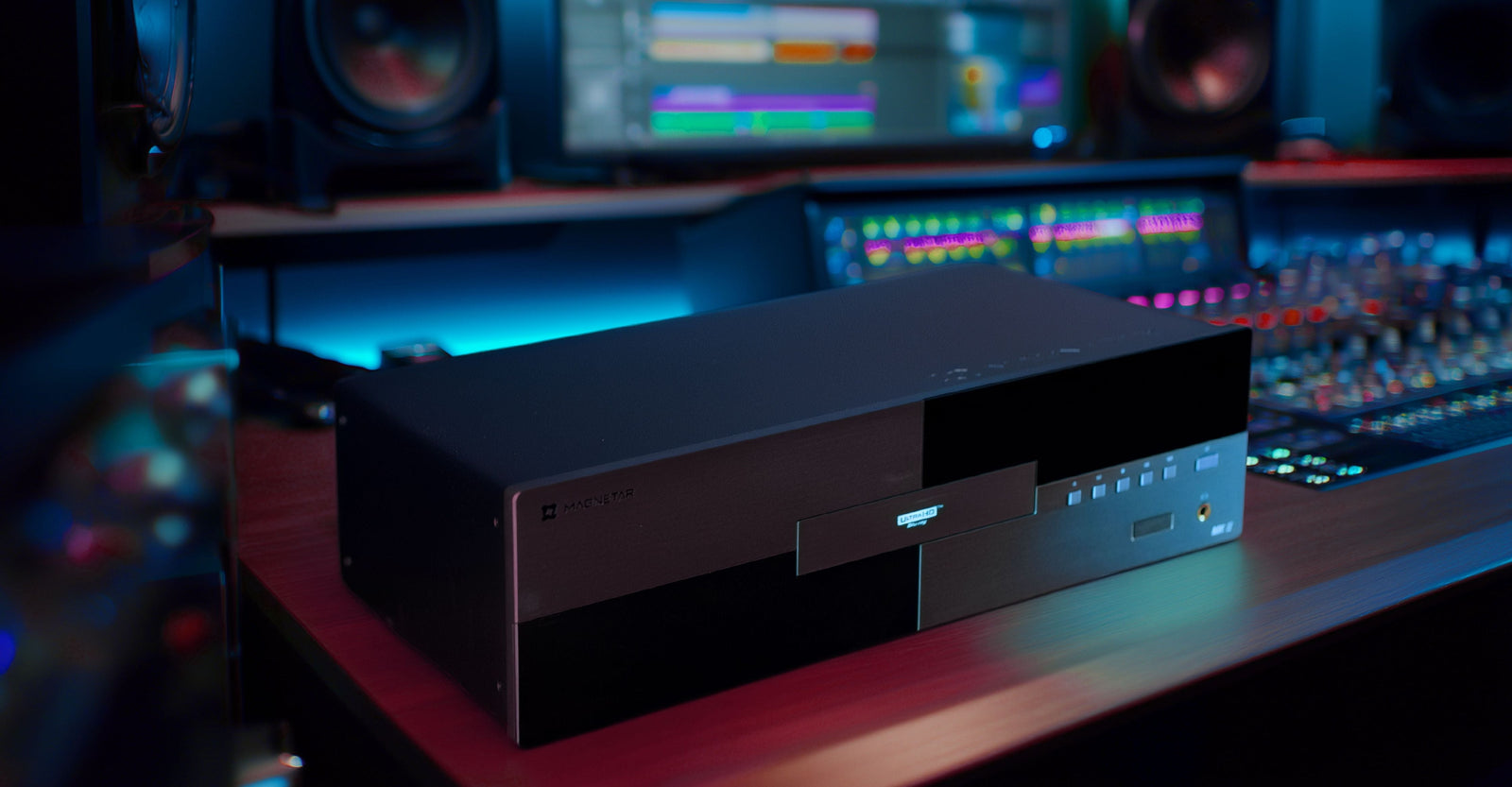
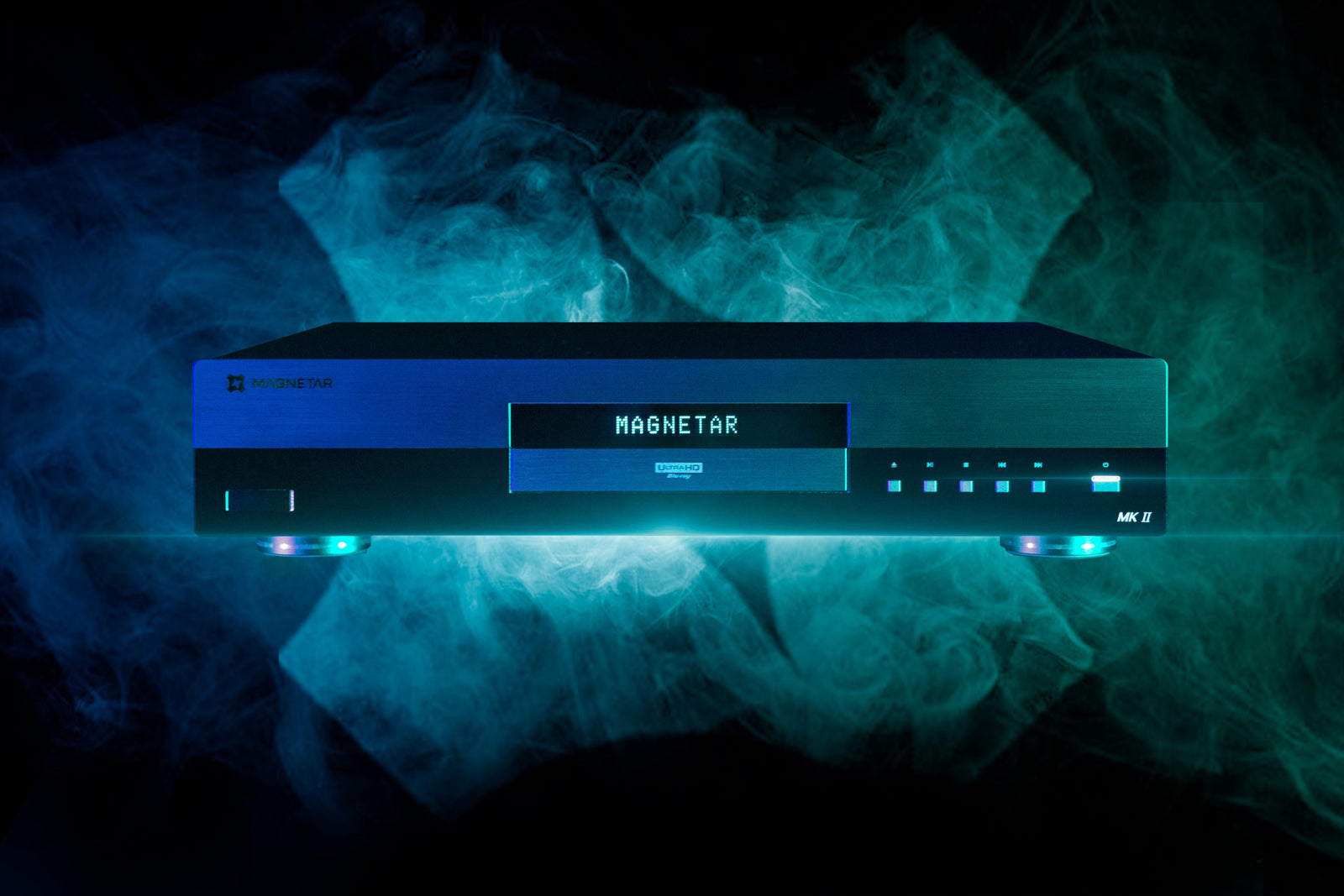
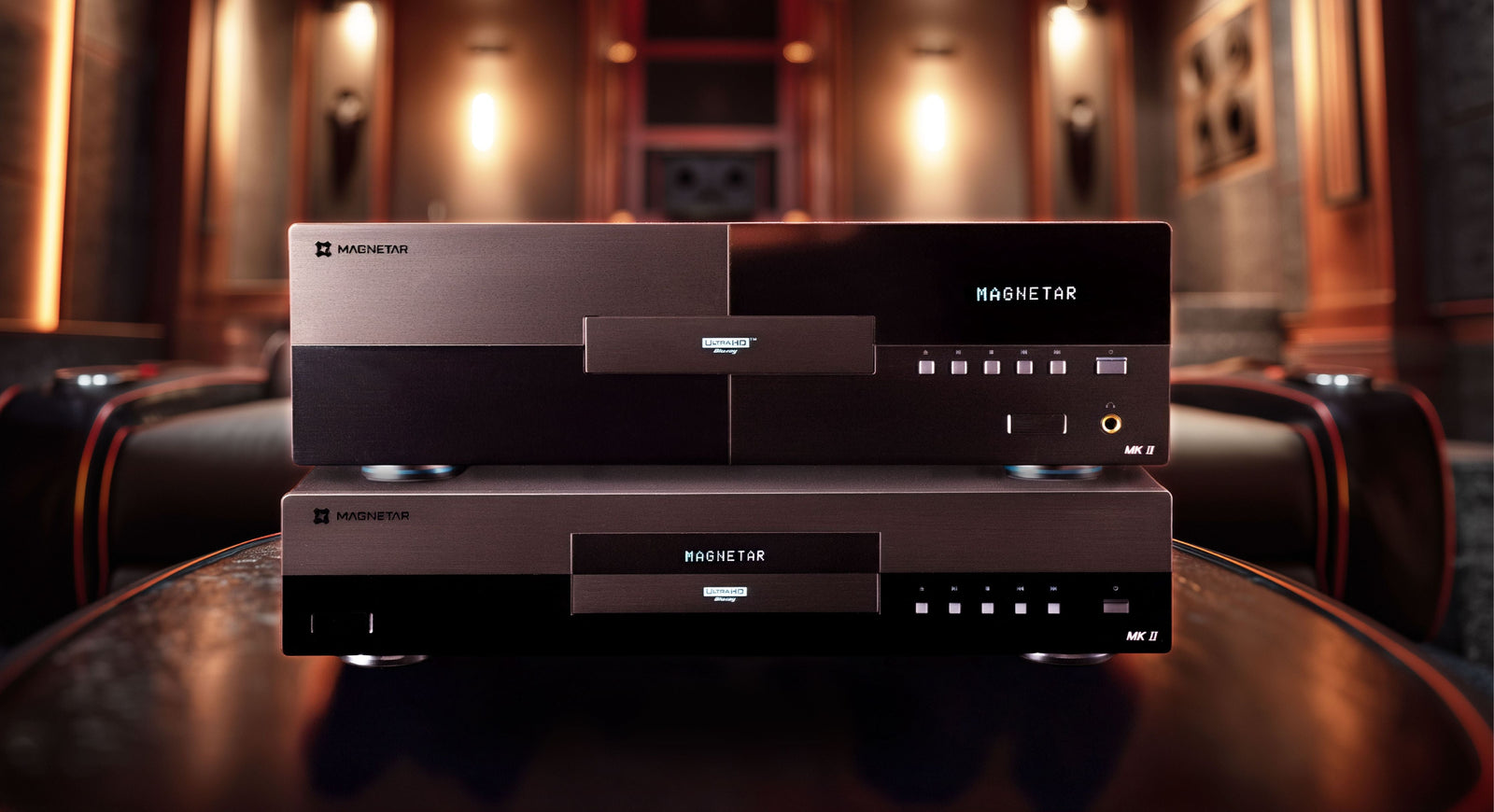
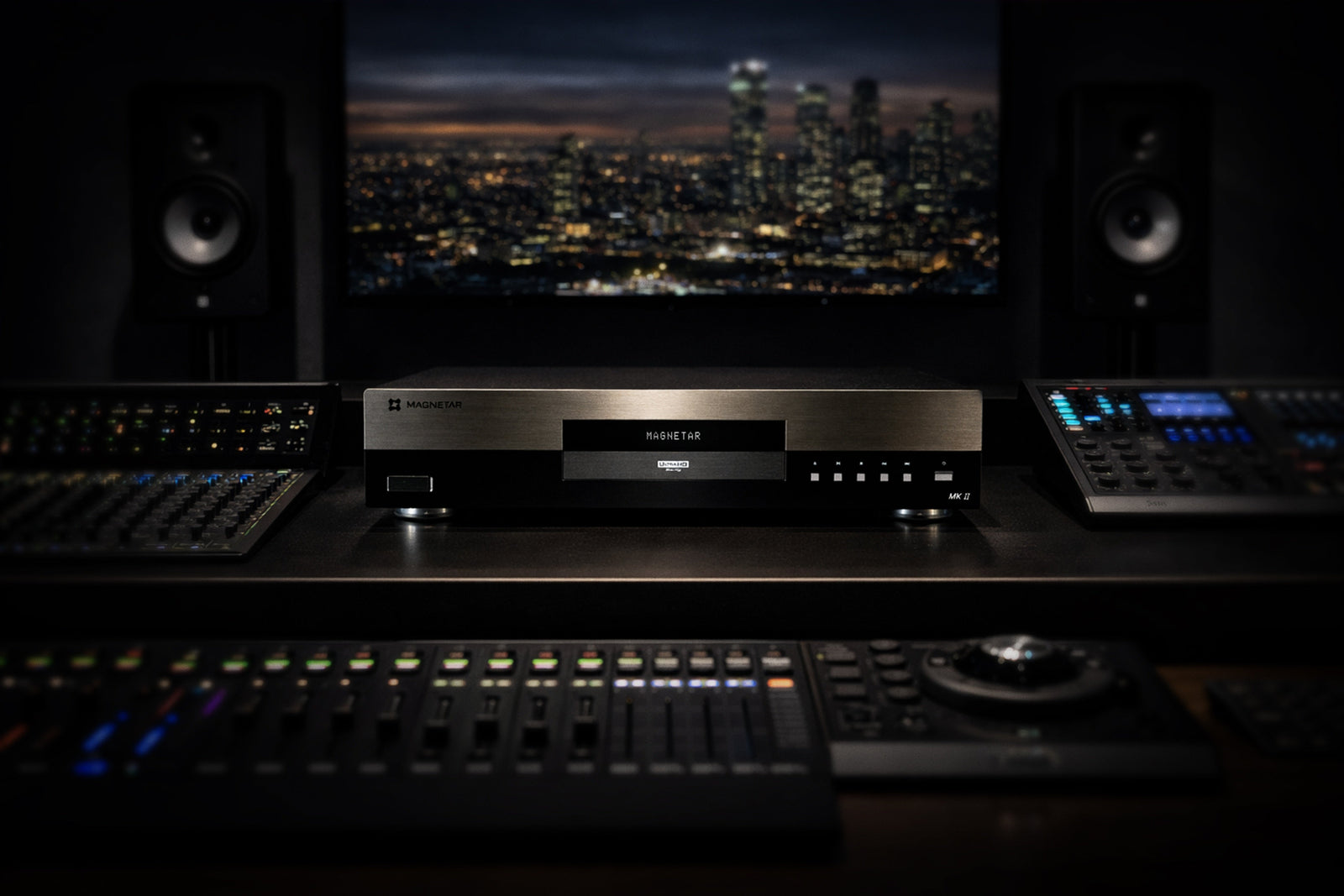
But on high-performance players like those from Magnetar Audio, the goal is total transparency.
These systems:
* Expose subtle inconsistencies
* Preserve fine detail
* Accurately render HDR and audio formats
Which means:
The better your system, the easier it is to see (and hear) the differences between pipelines.
Audio Compromises You May Not Notice
There is a common assumption that MKV files always preserve full audio quality.
While they can include:
* Dolby TrueHD
* DTS-HD Master Audio
In practice, many files:
* Omit secondary audio tracks
* Strip metadata
* Alter object-based audio behavior
Even when formats appear identical on paper, playback differences can emerge due to pipeline handling.
Dolby Vision and HDR Limitations
Physical UHD discs support:
* Full dual-layer Dolby Vision
* HDR10
* HDR10+ (on select titles)
File playback introduces limitations:
* Dolby Vision support is often partial
* Some players only recognize simplified profiles
* Playback may silently revert to HDR10
The result:
You may not be seeing the full version of the image, even if the file suggests you are.
File Integrity and Reliability
Unlike discs, files rely on:
* Accurate ripping
* Storage integrity
* Network stability (for streaming from NAS systems)
Issues can include:
* Corruption
* Incomplete transfers
* Playback interruptions
There is no universal safeguard ensuring consistency across all file sources.
The Illusion of Convenience
File playback is often framed as the more convenient solution.
And in many ways, it is.
But that convenience introduces:
* File management complexity
* Metadata inconsistencies
* Compatibility troubleshooting
* Ongoing system maintenance
What begins as simplicity can gradually become another layer of technical responsibility.
Why Discs Still Matter
File playback has its place, especially for accessibility and storage efficiency.
But for those seeking:
* Full feature support
* Maximum fidelity
* Accurate playback behavior
Physical media remains the most consistent and complete format.
A disc is:
* Fully authored
* Standardized
* Designed for deterministic playback
There are no missing layers. No alternate pipelines. No guesswork.
Final Thoughts: Same Content, Different Experience
The conversation around file playback is often framed as a simple evolution.
But the reality is more nuanced.
BDMV and MKV formats offer powerful flexibility, but they also introduce:
* Missing features
* Pipeline inconsistencies
* Playback variability
Even when two sources appear identical on paper, the journey they take through your player may be entirely different.
And in high-end home theater:
The journey matters.
At Magnetar, every detail of playback is engineered with precision, from signal path to final output. While file-based playback offers convenience, true performance is revealed when nothing is left to interpretation.
For those who seek the most complete and uncompromised experience, the difference isn’t just technical, it’s something you can see, hear, and feel.